Skip to content

Gadget Guide Daily

Your Daily Dose of Tech That Matters

  • Smartphones & Tablets
  • Laptops & PCs
  • Smart Home
  • Wearables & Audio
  • Deals & Reviews
  • Tech Tips

Tech Tips

Wi-Fi 6 vs Wi-Fi 7: What Changes and Should You Upgrade?

September 24, 2026 by Admin
A generic home router on an open shelf near a laptop with its screen off

Plain-language comparison of Wi-Fi 6, 6E and 7: real speed differences, the 6 GHz band, which devices can use it, and when a router upgrade is a waste.
Categories Tech Tips Tags 6 ghz, home network, router, Wi-Fi 6, wi-fi 6e, Wi-Fi 7

USB-C Cables and Chargers Explained: Why They Aren’t Equal

September 24, 2026 by Admin
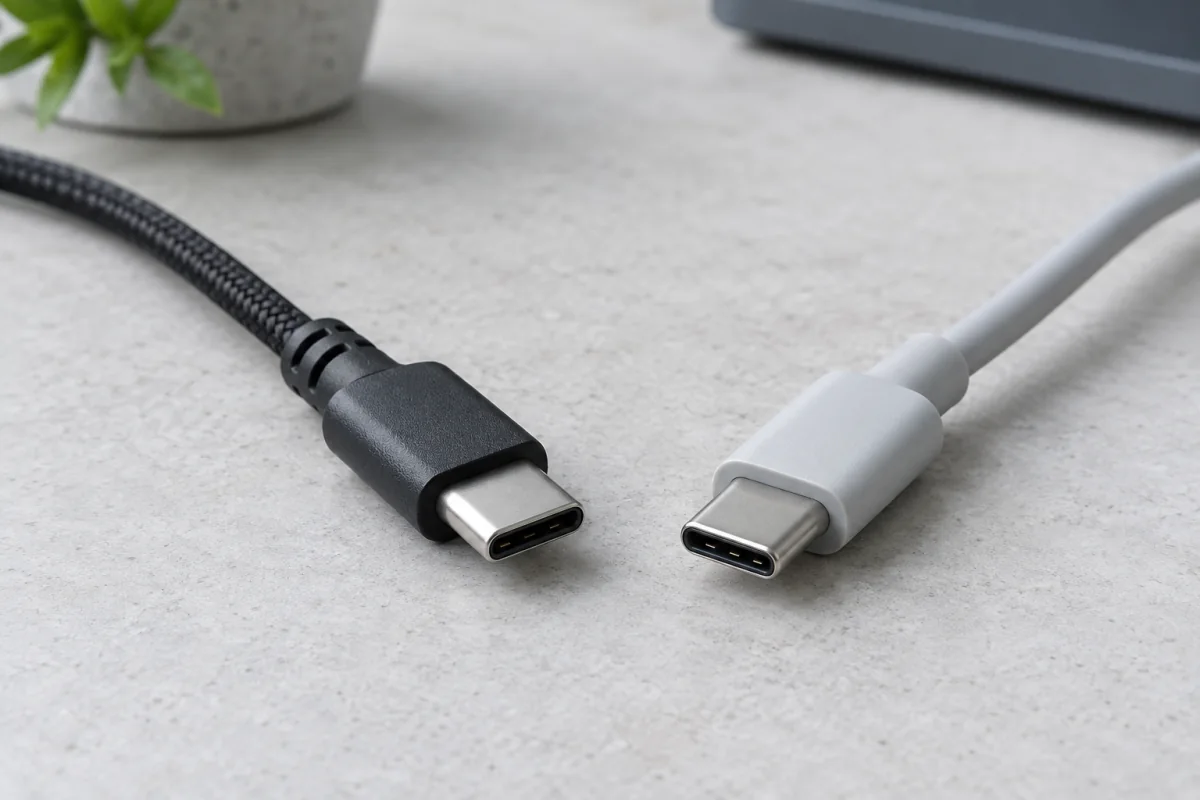
Two USB-C cable plugs with reversible oval connectors on a neutral desk

Why one USB-C cable charges a laptop and another only a phone: power delivery watts, data speeds, Thunderbolt, the new logos, and safe chargers.
Categories Tech Tips Tags cables, charging, gan charger, thunderbolt, usb power delivery, USB-C

Pi-hole on Raspberry Pi: Block Ads on Your Whole Network

September 24, 2026June 24, 2026 by
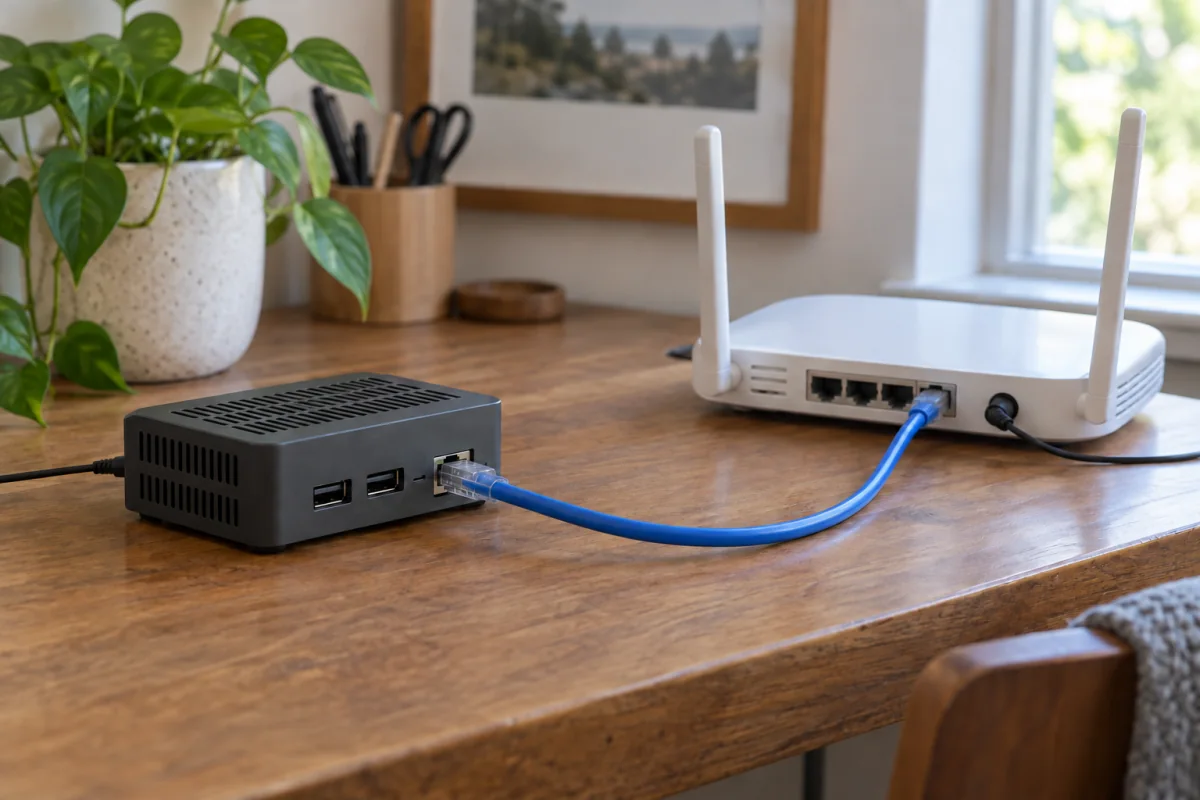
A generic compact home server connected by Ethernet to a home router

Install Pi-hole on a Raspberry Pi in 30 minutes: flashing, static IP, router DNS, blocklists, Unbound, fixes for devices that bypass it, and its limits.
Categories Tech Tips Tags ad blocker, DNS, home network, Pi-hole, privacy, Raspberry Pi

NordVPN vs ExpressVPN vs Surfshark: Speed and Value 2026

September 24, 2026June 23, 2026 by
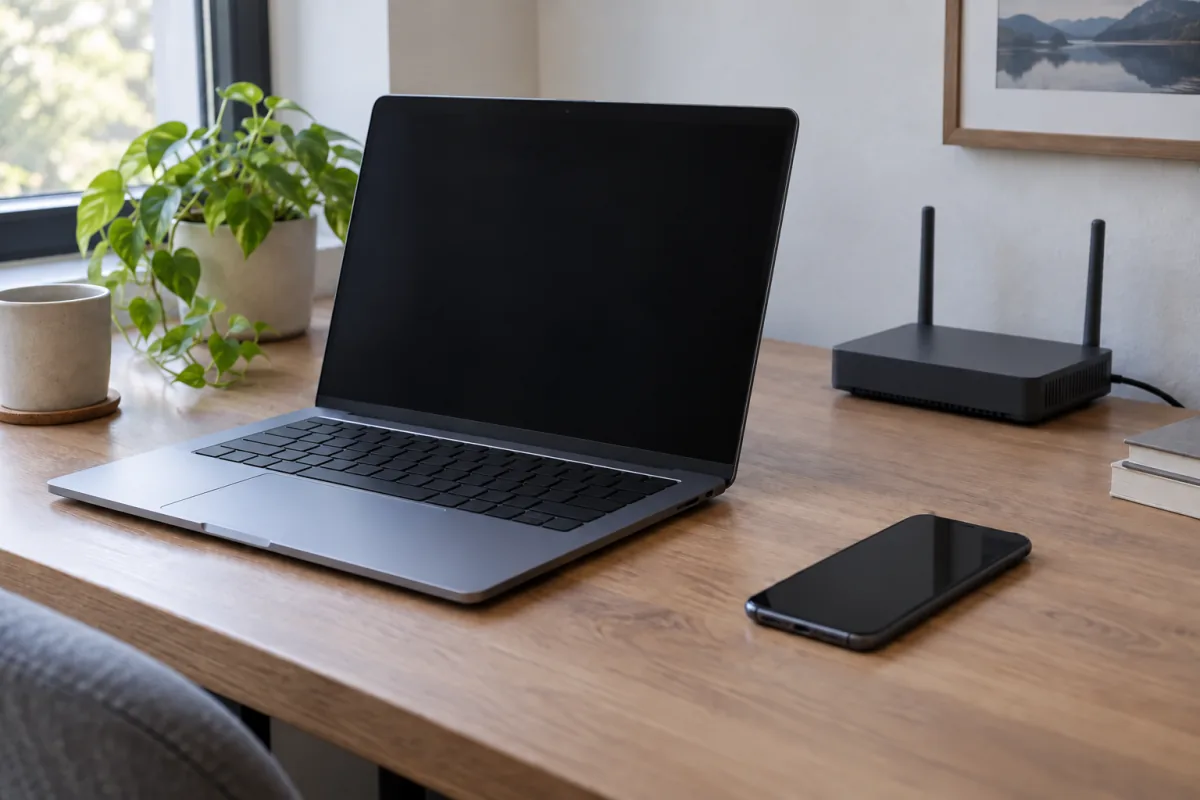
A plain laptop, smartphone and home router on a desk in natural daylight.

How NordVPN, ExpressVPN and Surfshark really compare: protocols, device limits, audits, price, how to test speed yourself and which one fits your use.
Categories Tech Tips Tags ExpressVPN, NordVPN, online privacy, Surfshark, VPN, WireGuard

Best Encrypted USB Drives for Sensitive Data (2026 Guide)

September 24, 2026June 22, 2026 by
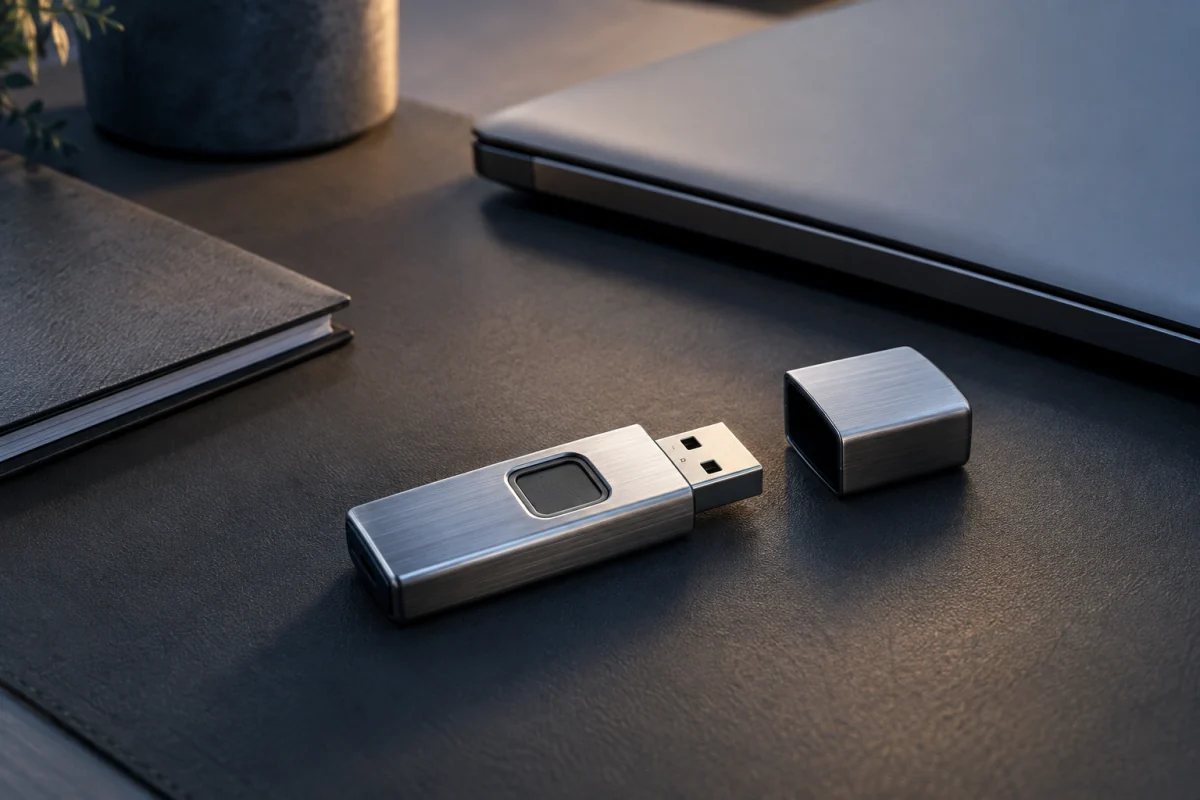
A compact metal USB drive with a fingerprint sensor rests beside a closed laptop and a document folder.

Hardware keypad drives vs VeraCrypt and BitLocker: AES-256, FIPS 140-3, brute-force lockout, setup steps that avoid lockout, and who doesn’t need one.
Categories Tech Tips Tags data security, encrypted USB, FIPS 140-3, hardware encryption, IronKey, VeraCrypt

Best Travel Routers with Built-in VPN (2026 Guide)

September 24, 2026June 21, 2026 by
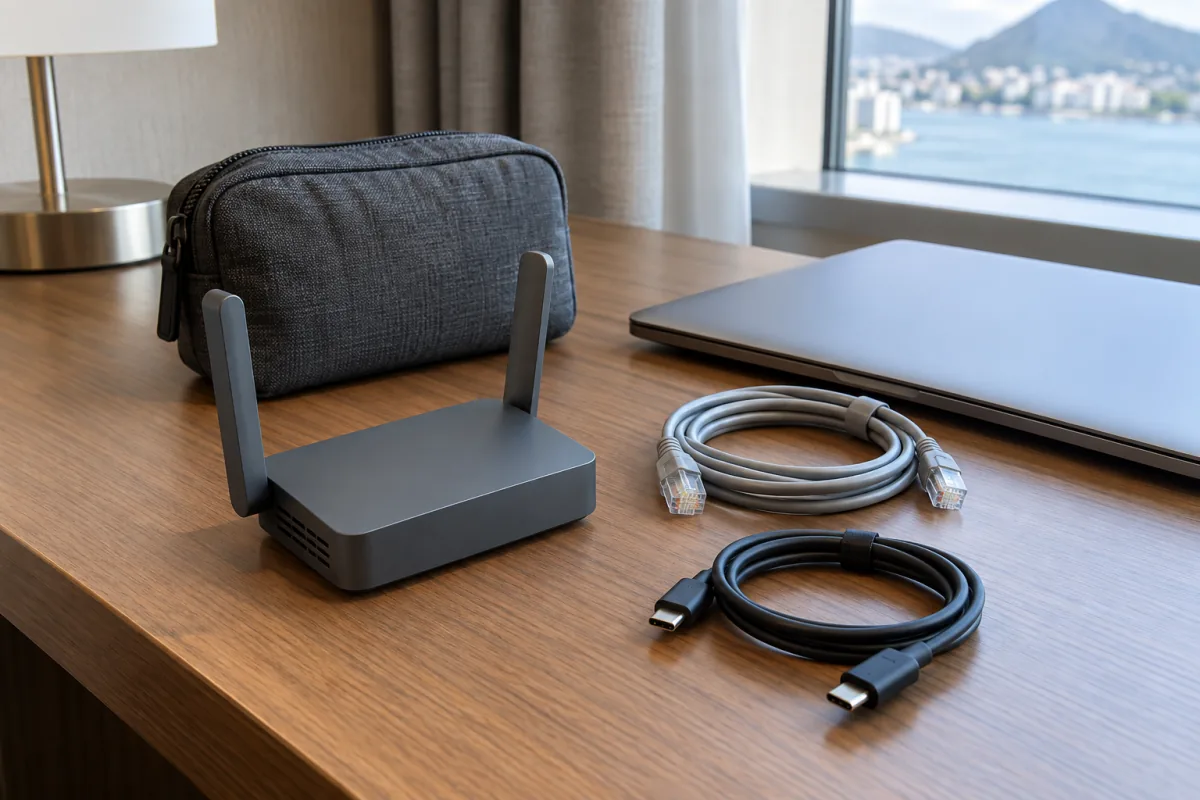
A compact travel router, coiled cables and a small travel pouch on a hotel desk.

How to choose and set up a travel router with a VPN client: WireGuard speed, repeater mode, captive portals, tunnelling home vs a provider, and mistakes.
Categories Tech Tips Tags GL.iNet, hotel Wi-Fi, travel router, travel security, VPN, WireGuard

How to Protect Yourself from Phone Scams and SIM Swapping

September 24, 2026June 20, 2026 by
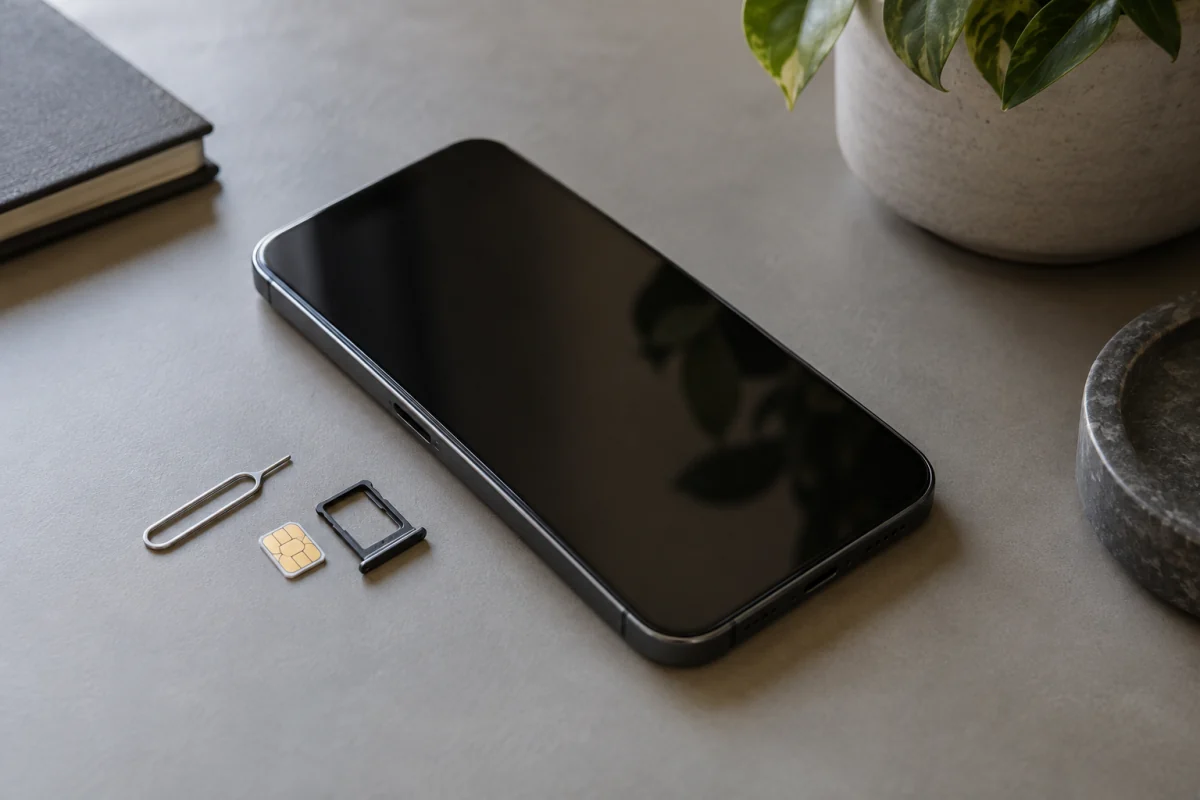
A phone with a dark screen lies beside a SIM tray, a nano-SIM card and an eject tool.

How SIM swap fraud works, the warning signs, carrier PINs and number locks, moving 2FA off SMS, what to do if it happens, and the scams that lead to it.
Categories Tech Tips Tags account security, fraud prevention, phone scams, SIM swapping, two-factor authentication

Hardware Security Keys: YubiKey vs Titan vs Thetis

September 24, 2026June 18, 2026 by
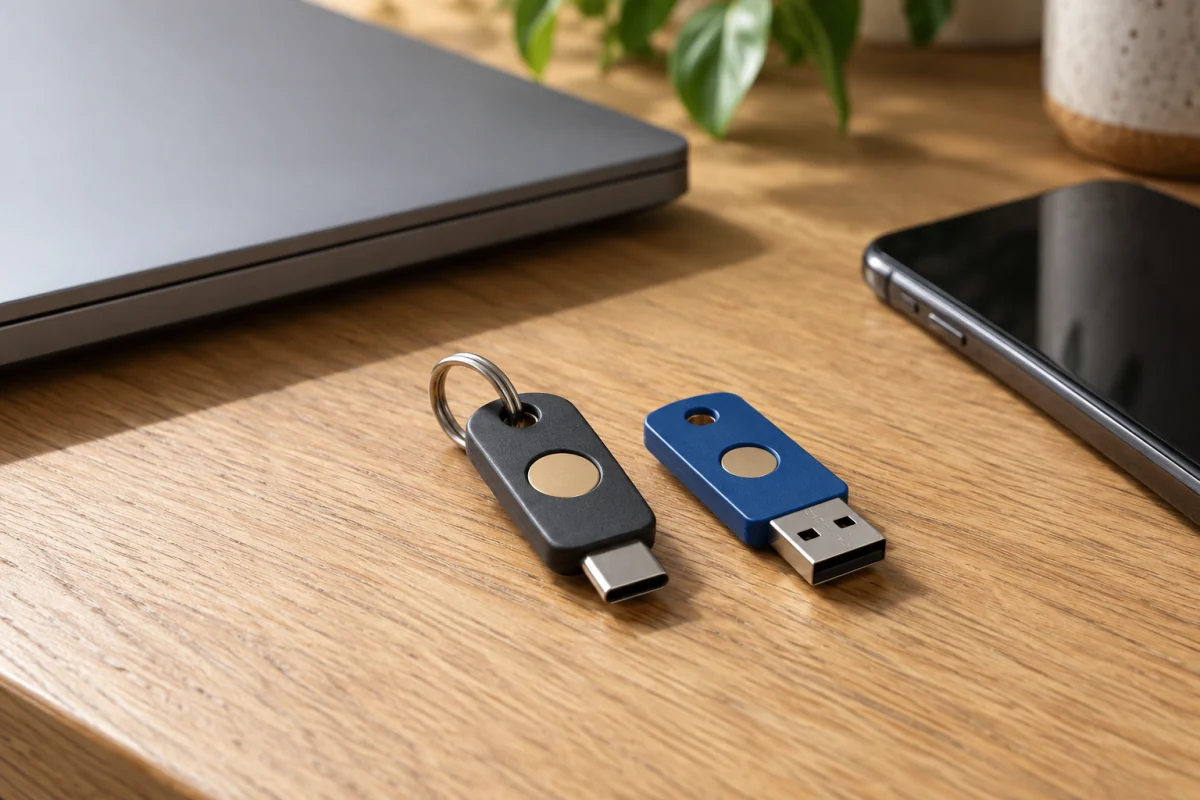
Two unbranded hardware security keys beside a closed laptop and a phone on a home desk.

How to choose a hardware security key: FIDO2 vs extras, USB-C or NFC, YubiKey vs Google Titan vs Thetis, setup steps and the mistakes to avoid.
Categories Tech Tips Tags account security, FIDO2, passkeys, security keys, two-factor authentication, YubiKey

How to Set Up Two-Factor Authentication Everywhere

September 24, 2026June 17, 2026 by
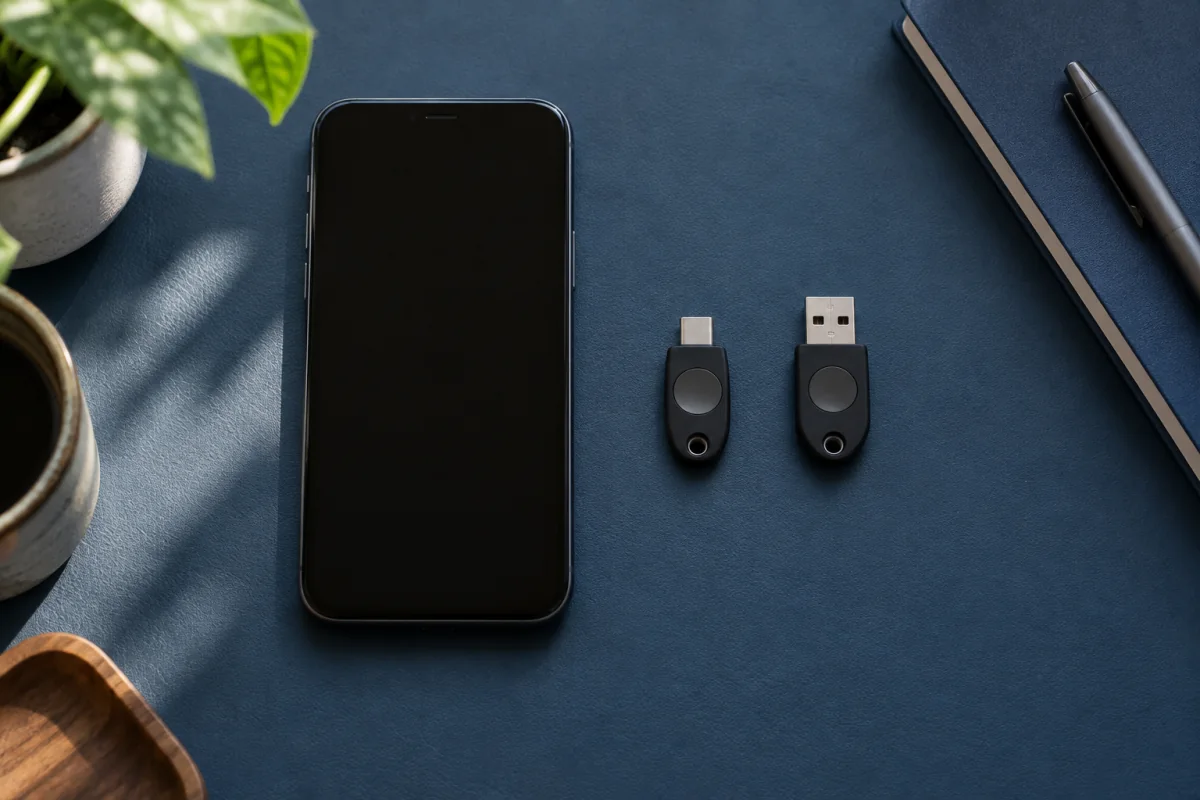
A generic smartphone and two compact hardware authentication keys on a desk

Step-by-step 2FA setup for Google, Microsoft, Apple, banks, social and developer accounts, which method to pick, and how to handle backup codes.
Categories Tech Tips Tags 2FA, account security, authenticator app, backup codes, passkeys, two-factor authentication

Cloud Backup Services for Photos and Files, Compared

September 24, 2026June 15, 2026 by
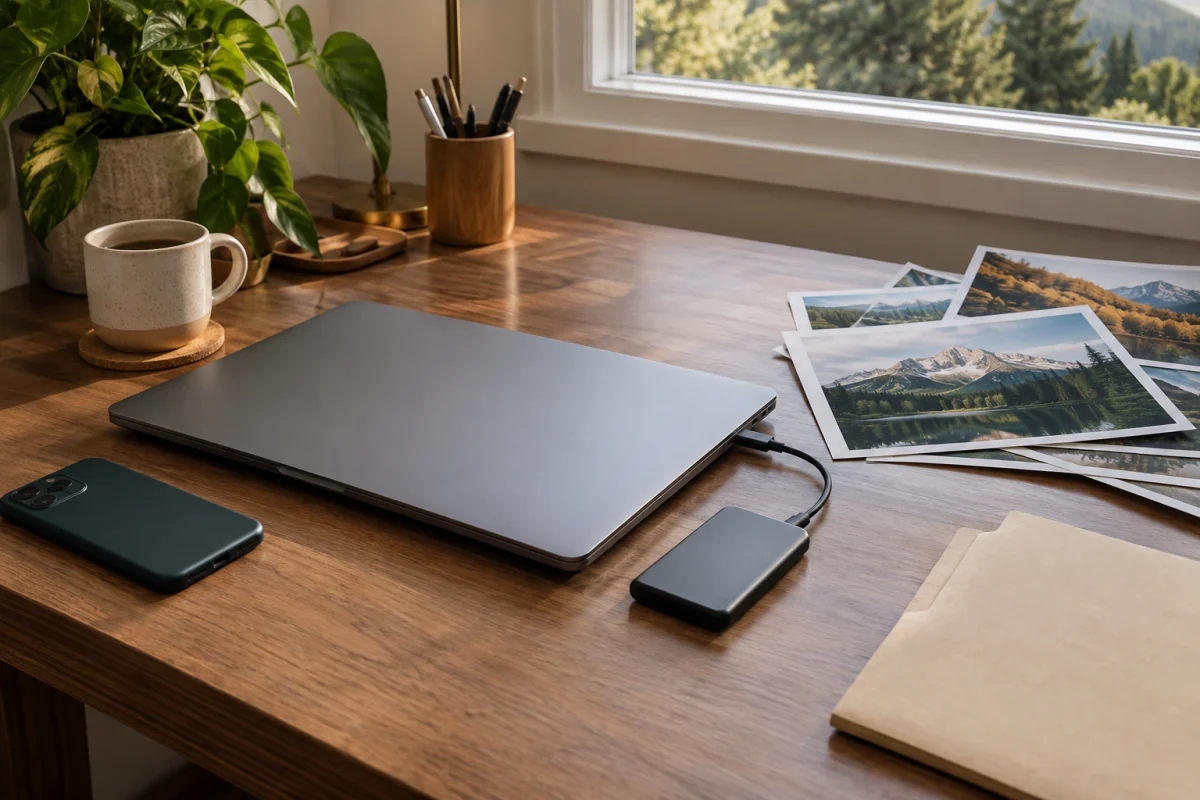
A laptop, external drive and printed landscape photos on a desk illustrate preserving personal files.

Backup vs sync explained, the features that matter (versions, restores, encryption), what Backblaze, IDrive and iCloud offer, and a setup you can restore.

Categories Tech Tips Tags 3-2-1 backup, Backblaze, cloud backup, IDrive, photo backup, ransomware protection
Older posts
Page1 Page2 Next →

Recent Posts

  • Wi-Fi 6 vs Wi-Fi 7: What Changes and Should You Upgrade?
  • USB-C Cables and Chargers Explained: Why They Aren’t Equal
  • Smartwatch Buying Guide: Features Worth Paying For
  • Smart Plugs: 12 Practical Uses and How to Set One Up
  • Smart Home Starter Guide: Hubs, Matter and What to Buy First

Recent Comments

No comments to show.

Gadget Guide Daily

Your trusted source for honest tech reviews, gadget guides, and smart buying advice. No jargon, no hype — just tech that matters.

Learn more →

Topics

  • Smartphones & Tablets
  • Laptops & PCs
  • Smart Home
  • Wearables & Audio
  • Deals & Reviews
  • Tech Tips

Legal

  • About Us
  • Contact Us
  • Privacy Policy
  • Terms of Service
  • Disclaimer
  • Cookie Policy
  • Editorial Policy
© 2026 Gadget Guide Daily • Built with GeneratePress

We use cookies to enhance your experience. By continuing to browse, you agree to our Cookie Policy and Privacy Policy.