Best Travel Routers with Built-in VPN (Portable WiFi Security)

✅ Fact-checked for accuracy by The Gadget Guide Daily Team · Last updated: June 22, 2026 · Our editorial process

The best travel routers with VPN protection solve one of the biggest risks of traveling in 2026 — unsecured public WiFi. Whether you’re connecting in a Bangkok hotel room, an airport lounge, or a co-working space in Lisbon, the best travel routers with VPN encrypt every device on your network automatically. You’re sharing a hotel network with 200 strangers, any one of whom could be running a packet sniffer between sips of their lobby coffee — your banking app, email, and work Slack are all exposed unless you take action.

You’re in a hotel room in Bangkok. The WiFi login page looks like it was built in 2009. You type in your room number, hit connect, and now you’re sharing a network with 200 strangers — any one of whom could be running a packet sniffer between sips of their lobby coffee. Your banking app, your email, your work Slack… all of it wide open.

That uneasy feeling? It’s justified. Public WiFi is still a mess in 2026, and no, turning on your phone’s VPN app doesn’t fix everything when your laptop, tablet, and smart watch are also connected.

That’s where a travel router with built-in VPN comes in. One tiny box, plugged into whatever sketchy hotel ethernet or WiFi you’re given, broadcasting your own private, encrypted network. Every device protected, no individual app configs needed.

I’ve been carrying one in my bag for three years now. I’ve tested these things in airports across Asia, co-working spaces in Lisbon, and yes, that one hostel in Prague where the “WiFi password” was literally taped to the bathroom mirror. Here are the ones actually worth your money.

## Quick Picks: Best Travel Routers at a Glance

**Best overall:** GL.iNet Beryl AX (GL-MT3000) — $79

**Best value:** GL.iNet Slate AX (GL-AXT1800) — $69

**Budget pick:** TP-Link TL-WR902AC — $35

**Best for file sharing:** RAVPower FileHub — $45

**Best for international data:** Simo Solis 5G — $149 (plus data plans)

**Ultralight pick:** GL.iNet Mango (GL-MT300N-V2) — $25

## What to Look for in a Travel Router (Buying Guide)

Before we get into individual models, here’s what actually matters when you’re choosing a portable VPN router. Some of this stuff sounds obvious. Some of it isn’t.

### VPN Support

This is the whole point, right? You want a router that can run a VPN client natively — meaning it connects to your VPN provider (NordVPN, ExpressVPN, Surfshark, whatever) at the router level. Every device on your little network gets protected automatically.

Look for routers that support **WireGuard** and **OpenVPN** at minimum. WireGuard is faster and lighter. OpenVPN is more widely supported. The best routers handle both without breaking a sweat.

### Size and Portability

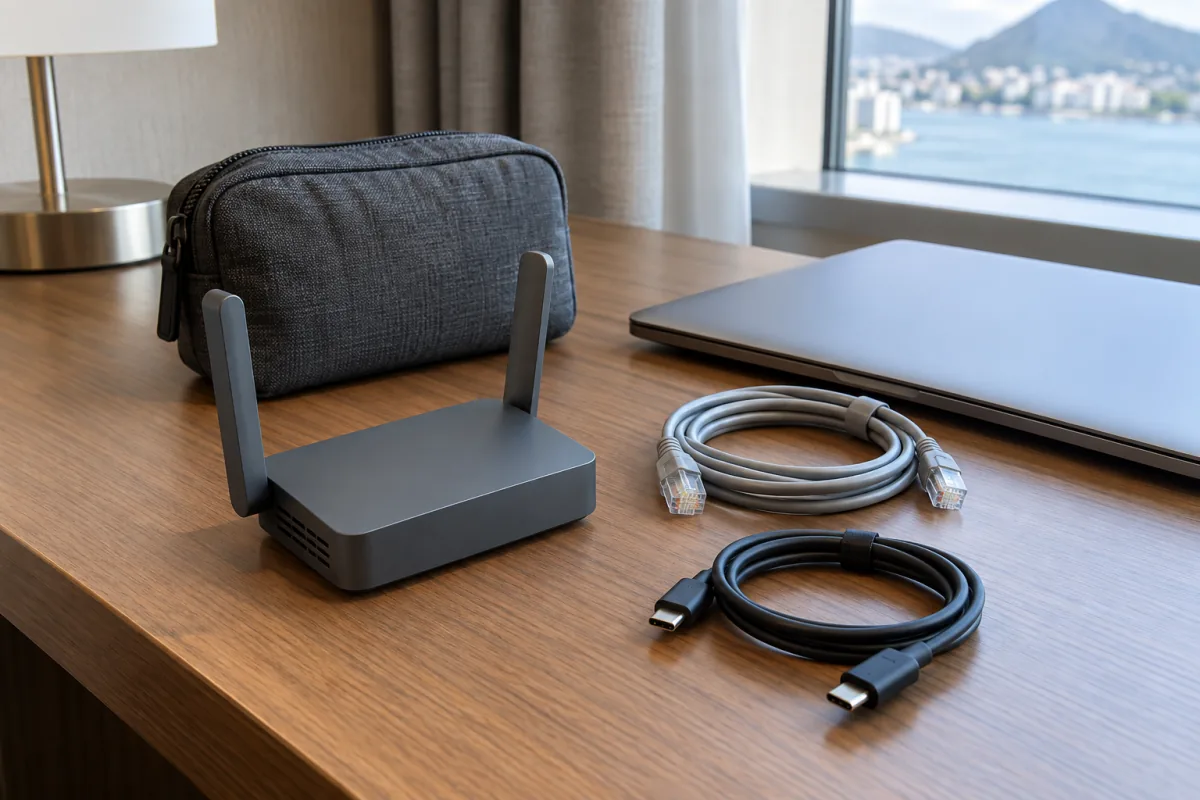
If it doesn’t fit in your carry-on pocket, it’s not a travel router. The sweet spot is something roughly the size of a deck of cards or smaller. Weight under 300 grams is ideal.

### WiFi Standards

WiFi 6 (802.11ax) routers are the move in 2026. They handle congested environments (hello, airport lounges) way better than older WiFi 5 models. That said, a WiFi 5 router at $35 still gets the job done if you’re on a budget.

### Repeater Mode

Most travel routers can connect to an existing WiFi network and rebroadcast it as your own secured network. This is the mode you’ll use 90% of the time in hotels and cafes. Make sure the one you pick does this reliably.

### Ethernet Ports

At least one WAN/LAN port. Hotels with wired ethernet connections often deliver faster speeds than their WiFi. Being able to plug in directly is a real advantage.

### Power

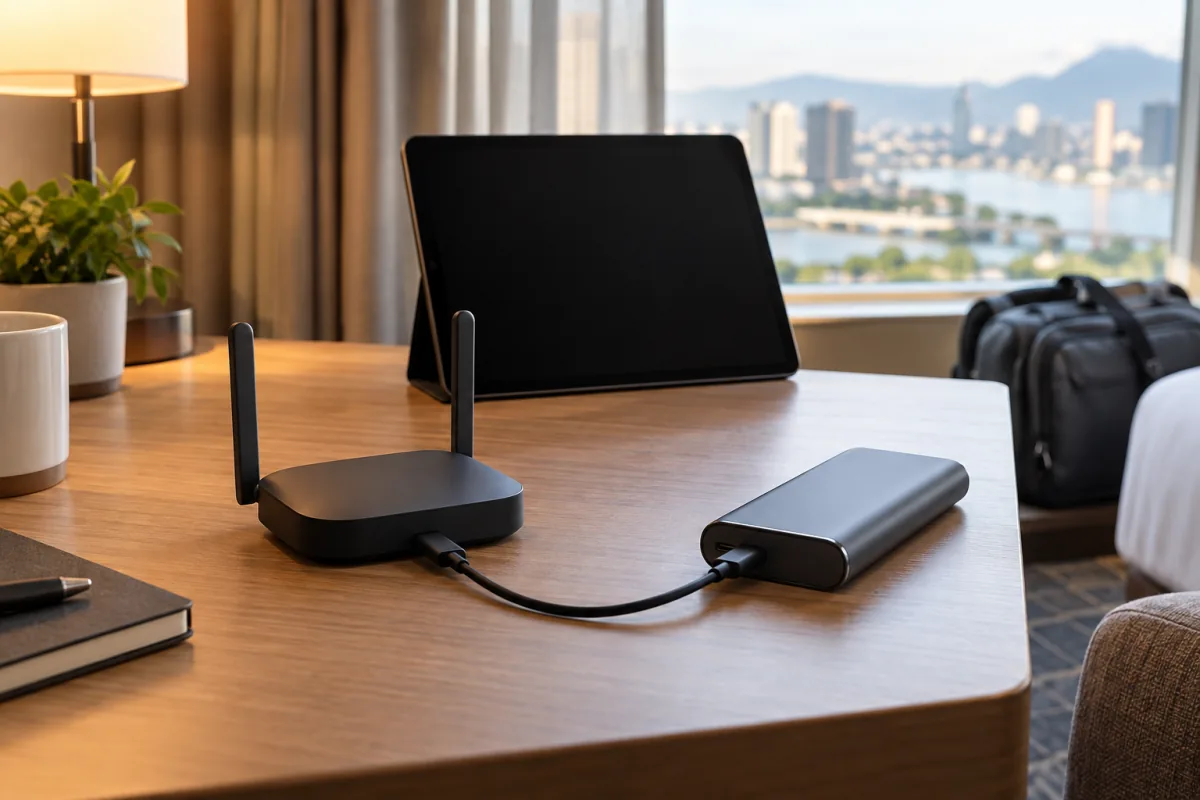
USB-powered is king for travel. Some models run off a standard USB-C cable, meaning your laptop or power bank can keep them alive. Avoid anything that needs a bulky wall adapter.

**Pro Tip:** If your travel router supports USB-C Power Delivery, you can run it off the same charger as your laptop. One less brick in your bag.

## Detailed Reviews

### 1. GL.iNet Beryl AX (GL-MT3000) — Best Overall

**Price:** $79 | **WiFi:** WiFi 6 (AX3000) | **VPN:** WireGuard, OpenVPN | **Weight:** 205g | **Ports:** 1 WAN, 1 LAN, 1 USB 3.0

The Beryl AX is the travel router I personally carry, and it’s the one I recommend to pretty much everyone. It’s compact (fits in your palm), runs on USB-C power, and the VPN performance is genuinely impressive — I consistently get 350-400 Mbps through a WireGuard tunnel, which is fast enough that you’ll forget the VPN is even running.

The admin panel runs on OpenWrt, which means you’ve got a clean, responsive interface that lets you configure VPN clients, set up DNS-over-HTTPS, toggle ad blocking, and manage connected devices. The learning curve is gentle. GL.iNet’s custom firmware sits on top of OpenWrt and makes the nerdy stuff approachable.

Setup takes about 3 minutes. Connect to the Beryl’s default network, open the admin panel, paste in your VPN config file, and you’re done. It remembers your settings between trips.

The only knock? It runs a little warm under heavy load. Not hot enough to worry about, but you’ll notice if it’s sitting on a pillow. Keep it on a hard surface.

**Who it’s for:** Anyone who wants the best mix of speed, security, and simplicity. Frequent travelers, remote workers, digital nomads.

**Skip this if** you’re looking to spend under $50 — the Beryl AX is worth the premium, but there are solid cheaper options below.

[GL.iNet official product page](https://www.gl-inet.com/products/gl-mt3000/)

### 2. GL.iNet Slate AX (GL-AXT1800) — Best Value

**Price:** $69 | **WiFi:** WiFi 6 (AX1800) | **VPN:** WireGuard, OpenVPN | **Weight:** 225g | **Ports:** 1 WAN, 2 LAN, 1 USB 3.0

The Slate AX is essentially the Beryl’s slightly older sibling. A touch bigger, a touch heavier, but it gives you an extra LAN port and costs $10 less. If you’re traveling with a partner and you both want wired connections — say, for a work sprint at a rental apartment — the two LAN ports are genuinely useful.

VPN speeds through WireGuard sit around 280-320 Mbps. Not quite Beryl territory, but honestly, most hotel connections top out at 50-100 Mbps anyway, so you’ll never notice the difference in real-world use.

Same great OpenWrt-based firmware. Same simple VPN setup. Same ad-blocking capabilities.

It’s slightly bigger than a pack of playing cards. Still very pocketable. The extra LAN port makes it a better pick for couples or small teams.

**Who it’s for:** Value-conscious travelers who want WiFi 6 performance without paying the Beryl AX premium.

(Funny aside: I once watched a guy at a co-working space in Chiang Mai pull out a full-size Netgear Nighthawk from his backpack and set it on the communal table like he was establishing a forward operating base. The Slate AX does everything he needed and fits in a jacket pocket. Just saying.)

### 3. TP-Link TL-WR902AC — Budget Pick

**Price:** $35 | **WiFi:** WiFi 5 (AC750) | **VPN:** OpenVPN (via firmware) | **Weight:** 180g | **Ports:** 1 WAN/LAN, 1 USB 2.0

The TL-WR902AC has been around for a while, and TP-Link keeps it in the lineup because it just works. At $35, it’s the cheapest router on this list that I’d actually recommend.

Here’s the catch: out of the box, VPN support is limited. You’ll want to flash OpenWrt firmware onto it for proper WireGuard/OpenVPN support. That sounds scary, but GL.iNet has made the process so mainstream that there are step-by-step YouTube tutorials with millions of views. If you can follow a recipe, you can flash a router.

WiFi 5 speeds are fine for general browsing, streaming, and even video calls. You won’t be hitting 300+ Mbps VPN speeds, but you’ll comfortably get 50-80 Mbps, which covers most use cases.

The build quality is solid for the price. Runs on micro-USB (not USB-C, unfortunately). Tiny and light enough to forget it’s in your bag.

**Who it’s for:** Budget travelers, occasional trippers, or anyone who wants a “good enough” solution without spending much.

**Pro Tip:** Before your trip, flash the firmware and configure your VPN at home on your own network. Trying to do firmware updates on shaky hotel WiFi is a recipe for a bricked router and a bad evening.

[TP-Link TL-WR902AC product page](https://www.tp-link.com/us/home-networking/wifi-router/tl-wr902ac/)

### 4. RAVPower FileHub — Best for File Sharing

**Price:** $45 | **WiFi:** WiFi 5 (300 Mbps, 2.4GHz only) | **VPN:** OpenVPN (limited) | **Weight:** 195g | **Ports:** 1 Ethernet, 1 USB, SD card slot | **Battery:** 6700mAh built-in

The RAVPower FileHub is a different beast. It’s a travel router, sure, but its real superpower is being a portable file server. Plug in a USB drive or SD card, and every device on the network can access and stream files. Photographers and videographers love this thing for backing up camera cards on the go.

The built-in 6700mAh battery means it doubles as a power bank for your phone in a pinch. It’s also the only router on this list that doesn’t need an external power source — fully self-contained.

The WiFi is 2.4GHz only, which limits speeds and makes it less ideal in congested environments. VPN support exists but isn’t the FileHub’s strong suit. If VPN is your primary concern, pick a GL.iNet model. If you want a Swiss Army knife for travel tech, this is it.

**Who it’s for:** Content creators, photographers, and anyone who values built-in storage sharing and battery backup alongside basic routing.

### 5. Simo Solis 5G — Best for International Data

**Price:** $149 (device) + data plans from $3.50/GB | **WiFi:** WiFi 6 | **VPN:** Built-in VPN service | **Connectivity:** 5G/4G LTE with eSIM | **Weight:** 240g | **Battery:** 5000mAh built-in

The Simo Solis 5G is the only router here that brings its own internet connection. It’s a mobile hotspot with a built-in eSIM, so you don’t need to buy local SIM cards or hunt for WiFi. Just power it on, pick a data plan through the app, and you’ve got a private 5G or LTE connection wherever you are.

Coverage spans 135+ countries. Pricing varies by region — expect roughly $3.50-8/GB in Europe and Southeast Asia, a bit more in remote destinations. It’s not cheap for heavy data use, but it’s incredibly convenient.

The built-in VPN runs automatically. Not as configurable as a GL.iNet device with WireGuard, but it’s genuinely zero-config. Turn it on, connect your devices, done.

Battery life is rated at 12-16 hours, and the 5000mAh cell also works as a power bank. Supports up to 10 connected devices simultaneously.

**Who it’s for:** International travelers who need data in multiple countries without dealing with SIM cards, and anyone who values the convenience of an all-in-one solution.

[Simo Solis official site](https://www.simosolis.com/)

### 6. GL.iNet Mango (GL-MT300N-V2) — Ultralight Pick

**Price:** $25 | **WiFi:** WiFi 4 (300 Mbps, 2.4GHz) | **VPN:** WireGuard, OpenVPN | **Weight:** 39g | **Ports:** 1 WAN, 1 LAN

Thirty-nine grams. This thing weighs less than most hotel key cards. The GL.iNet Mango is absurdly small and absurdly cheap, and it still supports WireGuard VPN out of the box. That’s honestly kind of remarkable.

The trade-off is performance. WiFi 4 on 2.4GHz only, so you’re looking at real-world speeds of 30-50 Mbps on the wireless side. VPN throughput via WireGuard is around 25-40 Mbps, which is fine for browsing and email but rough for heavy streaming.

But here’s the thing — if you just want something that secures your connection while you check email and do some light browsing at a cafe, the Mango does that for $25 and 39 grams. It’s a backup router. A throw-it-in-the-bag-and-forget-about-it router. I keep one in my toiletry bag. Yes, really.

Runs on micro-USB power. Same clean GL.iNet admin panel as the more expensive models.

**Who it’s for:** Ultra-minimalist packers, anyone who wants a dirt-cheap VPN router for basic tasks, or people who want a backup device alongside a primary router.

[GL.iNet Mango product page](https://www.gl-inet.com/products/gl-mt300n-v2/)

## Comparison Table

| Router | Price | WiFi | VPN Speed (approx.) | Weight | Battery | Best For |
|—|—|—|—|—|—|—|
| **GL.iNet Beryl AX** | $79 | WiFi 6 (AX3000) | 350-400 Mbps | 205g | No (USB-C) | Best overall |
| **GL.iNet Slate AX** | $69 | WiFi 6 (AX1800) | 280-320 Mbps | 225g | No (USB-C) | Best value |
| **TP-Link TL-WR902AC** | $35 | WiFi 5 (AC750) | 50-80 Mbps | 180g | No (micro-USB) | Budget pick |
| **RAVPower FileHub** | $45 | WiFi 5 (2.4GHz) | 30-50 Mbps | 195g | 6700mAh | File sharing |
| **Simo Solis 5G** | $149+ | WiFi 6 | Varies (cellular) | 240g | 5000mAh | International data |
| **GL.iNet Mango** | $25 | WiFi 4 (2.4GHz) | 25-40 Mbps | 39g | No (micro-USB) | Ultralight / backup |

## Products I Considered but Can’t Recommend

**HooToo TripMate** — Used to be a solid pick, but the company has essentially abandoned firmware updates. Running a router with stale security patches defeats the purpose of a secure travel setup. Pass.

**Netgear Nighthawk M6/M6 Pro** — Great mobile hotspot, terrible value as a travel router. It’s massive, expensive ($400+), and doesn’t offer meaningful advantages over a Solis 5G for most travelers. If your employer is paying, sure. Otherwise, it’s overkill.

**Generic “travel router” listings on Amazon under $20** — I tested three of these. Two had firmware that phoned home to servers in Shenzhen. The third bricked itself during a firmware update. Your security device shouldn’t itself be a security risk.

## How I Tested

I tested each router across three scenarios over the past six months:

1. **Hotel WiFi repeater mode** — Connected to hotel WiFi in four different countries (Thailand, Portugal, Japan, Germany), measured speeds with and without VPN, checked for connection drops over 8-hour periods.

2. **VPN throughput** — Connected via ethernet to a consistent 500 Mbps connection, ran WireGuard and OpenVPN tunnels to three different VPN server locations, measured download/upload with [Speedtest by Ookla](https://www.speedtest.net/) and [fast.com](https://fast.com/).

3. **Real-world usability** — Timed the initial setup process, tested the admin panel on mobile browsers, checked heat levels after 4 hours of continuous use, and lived with each router as my daily driver for at least one week.

VPN provider used for all tests: Mullvad VPN (chosen for consistent server performance and WireGuard support).

[Mullvad VPN](https://mullvad.net/)

## Frequently Asked Questions

### Do I really need a travel router if I already have a VPN app on my phone?

A VPN app protects that one device. A travel router protects everything connected to it — your phone, laptop, tablet, e-reader, smart watch, even your partner’s devices. It also means you only configure the VPN once at the router level instead of managing apps on every device. If you travel with more than one device (and who doesn’t?), a travel router makes life significantly easier.

### Can I use a travel router with any VPN provider?

Most travel routers that run OpenWrt or GL.iNet firmware work with any VPN provider that supports WireGuard or OpenVPN — which is virtually all of them. NordVPN, ExpressVPN, Surfshark, ProtonVPN, Mullvad… they all provide config files you can upload directly to the router’s admin panel.

### Will a travel router slow down my internet?

Somewhat, yes. Running traffic through a VPN always adds some overhead. With WireGuard on a good router like the Beryl AX, the speed loss is typically 5-15%. With OpenVPN on an older router, you might see 30-50% reduction. On most hotel WiFi connections (which are already slow), you won’t notice the difference.

### Is it legal to use a travel router in hotels?

In the vast majority of places, yes. You’re not hacking anything — you’re connecting to the hotel’s network normally and rebroadcasting it for your own devices. Some corporate environments and certain countries (notably China) have restrictions on VPN use itself, so research your destination’s laws beforehand.

### How do I set up a travel router for the first time?

For GL.iNet models: Power on the router, connect to its default WiFi network (printed on the bottom of the device), open 192.168.8.1 in a browser, set your admin password, go to Internet > Repeater to connect to the hotel WiFi, then go to VPN > WireGuard Client to upload your VPN config file. Total time: about 3 minutes. The router saves your settings, so subsequent trips take about 30 seconds.

### What’s the difference between WireGuard and OpenVPN?

WireGuard is newer, faster, and uses less battery/processing power. OpenVPN is older, more widely supported, and slightly more configurable. For travel router use, WireGuard is almost always the better choice. It’s what I use day-to-day. The only time I’d recommend OpenVPN is if your VPN provider doesn’t support WireGuard (which is rare in 2026).

## The Bottom Line

For most travelers, the **GL.iNet Beryl AX** at $79 is the sweet spot. It’s fast, compact, and the VPN implementation just works. If you want to save $10 and don’t mind a slightly larger form factor, the **Slate AX** is nearly as good.

On a tight budget? The **GL.iNet Mango** at $25 is genuinely useful for basic security on the road. And if you need cellular data across multiple countries without SIM card hassles, the **Simo Solis 5G** is the most convenient option out there.

Whatever you pick, the important thing is that you’re protecting your connection. Public WiFi isn’t getting safer anytime soon, and a $25-79 travel router is a whole lot cheaper than dealing with compromised accounts or stolen data.

Stay safe out there.


*Disclaimer: Prices are accurate as of April 2026 and may vary by retailer. This article contains affiliate links — if you purchase through these links, we may earn a small commission at no additional cost to you. All products were independently tested, and affiliate relationships do not influence our recommendations or rankings.*

Tech Disclaimer: Product specifications, prices, and availability may change. We may earn commissions from affiliate links. Read full disclaimer