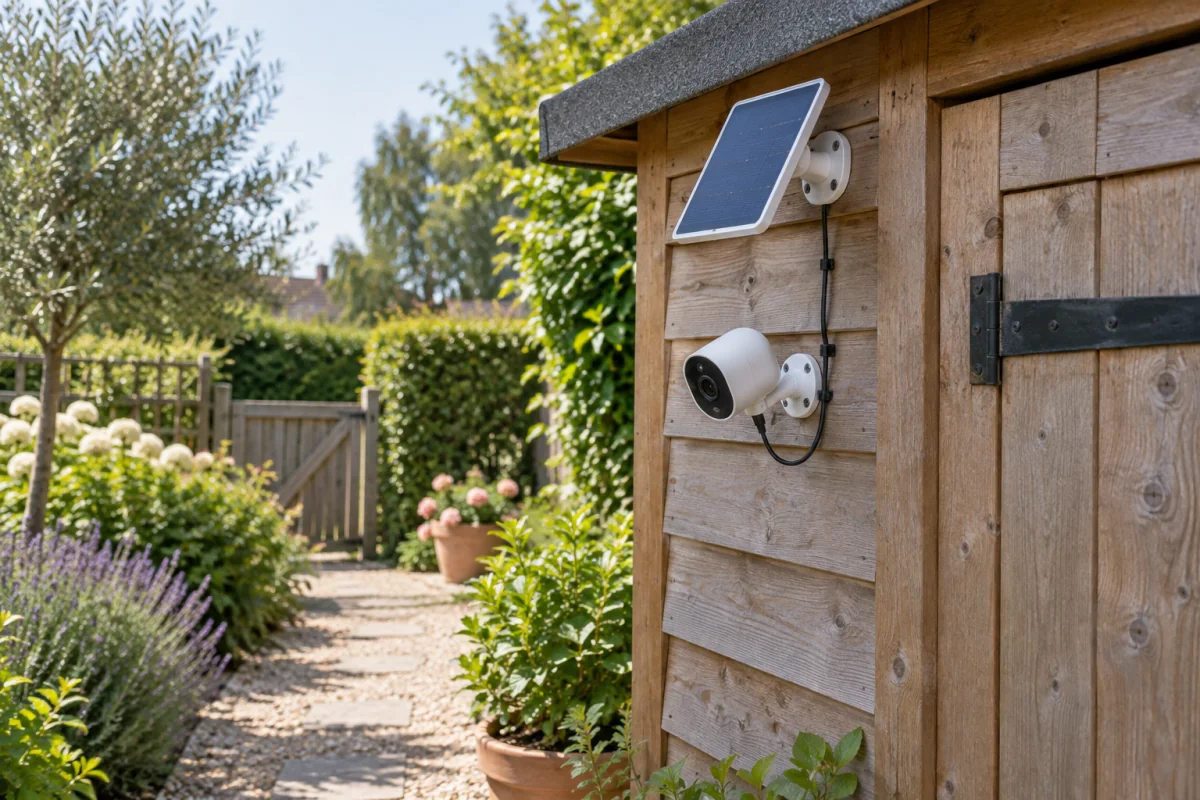
A solar security camera works well when three things line up: the panel gets at least three to four hours of direct sun most days, the camera records to a local microSD card or a base station so you aren’t forced into a cloud plan, and your Wi-Fi reaches the mounting spot. Get those right and you’ll have a camera that never needs charging or wiring. Get any of them wrong and you’ll be up a ladder with a USB cable every few weeks. This guide explains how the panel and battery really behave, which specs matter, where to mount, and when a wired camera is the better call.
Key takeaways
- The panel is a trickle charger, not a power supply. The camera still runs off its battery; the panel just replaces what motion events use up.
- Look for a battery of 5,000 mAh or more, a panel of 3 W or more, and local storage. Those three specs decide whether the camera stays alive in winter.
- Continuous recording is not realistic on solar. These cameras record on motion only, with PIR (passive infrared) sensors to save power.
- Mount the panel facing south (in the northern hemisphere) at 30 to 45 degrees, clear of shade, even if that means a longer cable to the camera.
- A camera with a panel costs from a low three-figure sum for a basic unit to a mid three-figure sum for 4K with a pan-tilt head, at the time of writing.
How a solar camera actually works
Inside every solar camera is a rechargeable battery, usually between 5,000 and 13,000 mAh. The camera sleeps most of the time, waking when its PIR sensor detects heat movement. Waking, recording a 20-second clip, and uploading it costs a few milliamp-hours. The panel, typically 2 to 6 W, puts energy back during daylight. On a sunny day a 4 W panel can generate roughly 12 to 20 Wh, which is more than a camera uses with 20 to 40 events a day. On a grey winter day the same panel might produce a tenth of that, so the battery slowly drains and needs a run of sunny days to recover.
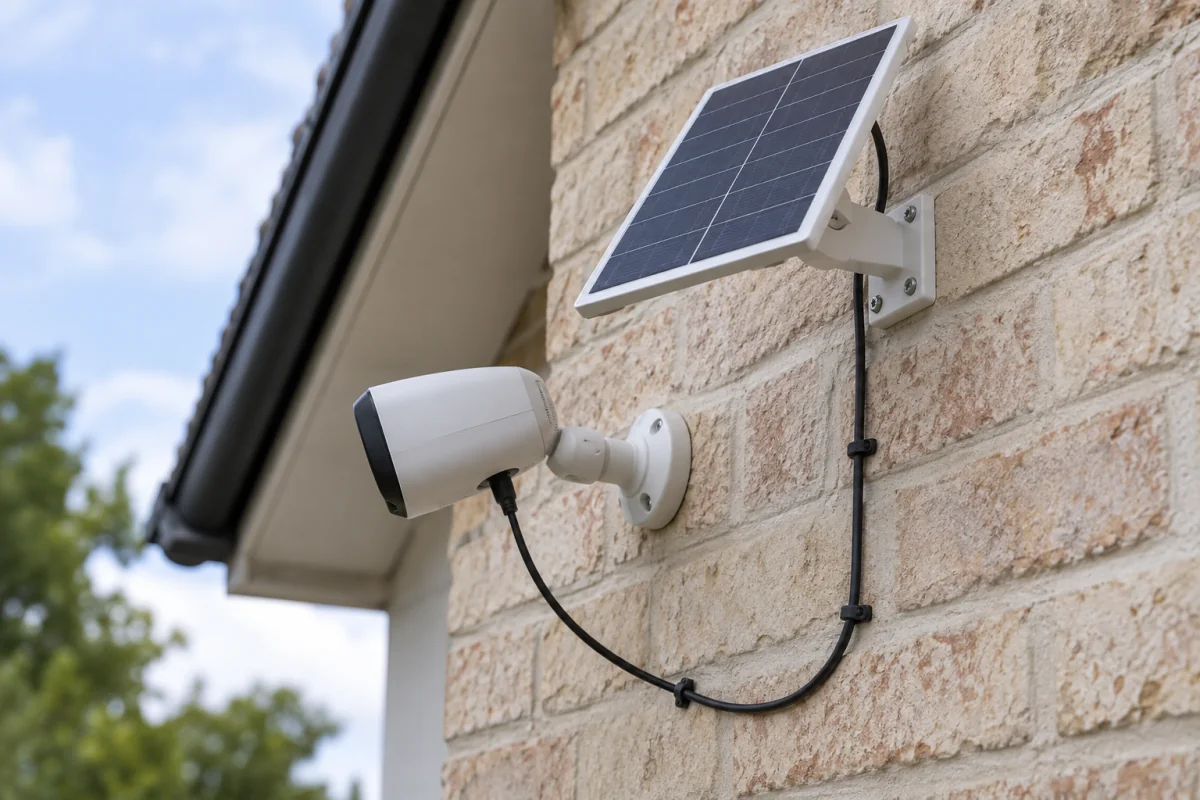
Two design choices follow. Cameras with larger batteries ride out a cloudy fortnight. Cameras with a separate panel on a cable can be positioned for sun while the camera points where you need it. Built-in panels on the camera body are neater but often end up shaded by the eave they’re mounted under.
Specs that decide whether it works
Battery capacity
5,000 mAh is the minimum for a spot that sees a lot of motion. 10,000 mAh or more if the camera faces a busy street or you’re in a northern climate with short winter days. Manufacturers usually quote standby life in months; halve that figure for real use with daily events. Reolink and Eufy list battery capacity and panel wattage on each product page, which is the number to compare rather than the marketing claim.
Panel wattage
3 W keeps a quiet camera topped up. 5 to 6 W handles a busy driveway or a pan-tilt camera, which uses more power moving. Some brands sell a larger panel separately for the same camera, which is the cheapest upgrade if the stock one falls short.
Storage
Local storage on a microSD card (128 GB is plenty for motion clips) or a hub with a hard drive means no subscription. Cloud-only cameras keep working without a plan but usually stop saving footage, which defeats the purpose. Our guide to security cameras without a monthly fee goes deeper on storage options.
Resolution and lens
2K (1440p) is the sweet spot for battery cameras: clearer than 1080p, less power hungry than 4K. A 110 to 130 degree field of view covers a driveway from one corner. Wider than that and faces get small.
Night vision
Infrared gives black-and-white night footage with no visible light. Colour night vision uses a spotlight, which also deters people, but each activation draws heavily on the battery. Set the spotlight to trigger on people only, not every cat.
Detection
Person and vehicle detection running on the camera (not in the cloud) cuts false triggers dramatically, and every false trigger costs battery. This is the single biggest factor in whether a camera survives winter.
Connectivity
Most run on 2.4 GHz Wi-Fi because it travels further through walls. If the mounting spot is at the far end of a garden, look at a 4G LTE model with a data SIM, or a camera that connects to its own base station rather than the router. The mesh Wi-Fi guide covers extending coverage to outbuildings.
Weather rating
IP65 handles rain and dust. IP66 or IP67 is better for exposed walls. The IEC 60529 standard defines the IP codes; the IEC’s IP ratings page explains what each digit guarantees.
Where to mount it
- Choose the camera spot first. 2.5 to 3 metres high, angled down, covering the approach rather than the far distance. Too high and you get the tops of heads.
- Choose the panel spot second. South-facing in the northern hemisphere, north-facing in the southern, tilted 30 to 45 degrees, no shade between 10 a.m. and 2 p.m. A cable of 3 to 4 metres gives you freedom to separate the two.
- Test the Wi-Fi signal at the exact spot with your phone before drilling. Two bars is the floor.
- Run the panel cable so water runs away from the connector, with a drip loop just before it enters the camera.
- Charge the camera fully via USB indoors before the first mount. Starting at 100 percent gives the panel a buffer.
Settings that make the battery last
- Set detection to people and vehicles only. Turn off animal and general motion unless you need them.
- Draw activity zones that exclude the road and swaying trees.
- Set clip length to 15 to 20 seconds and the cooldown between clips to 30 seconds.
- Lower PIR sensitivity one notch in summer, when warm air causes false triggers.
- Turn off the spotlight for animals and set the siren to manual.
- Check the battery graph in the app after two weeks. If it trends down on sunny days, the panel is shaded or too small.
Winter and bad weather
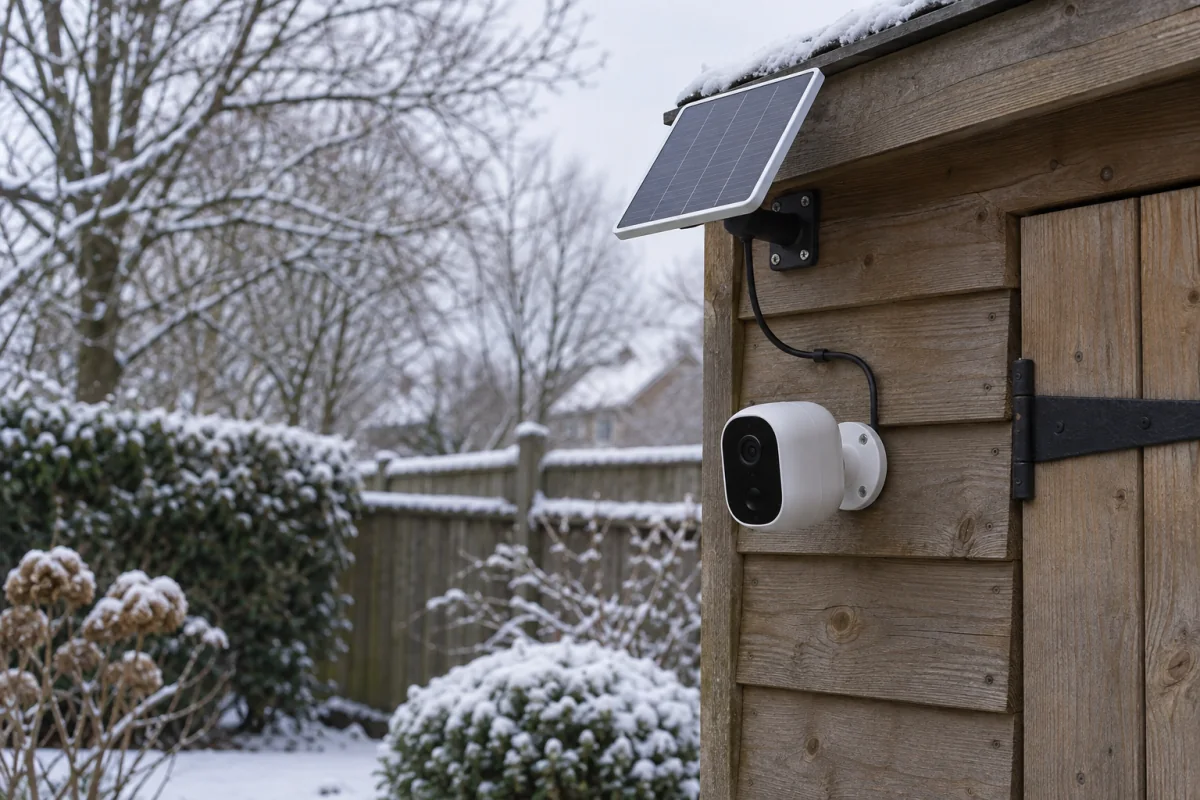
Three things happen in winter: shorter days, lower sun angle, and lithium batteries charge poorly below 0 °C. Most cameras stop charging below freezing to protect the cell, though they keep recording. Expect the battery to decline through December and January and recover in spring. Fixes that work: a larger panel, a second panel if the camera supports it, raising the panel tilt to 50 degrees to catch the low sun, and brushing snow off. If your winter regularly stays below freezing for weeks, put a wired camera in that spot and keep solar for milder positions.
Common mistakes
- Mounting the panel under the eave next to the camera, where it gets an hour of sun a day.
- Leaving detection on “all motion” facing a hedge. The battery is flat in ten days.
- Trusting the “6 months standby” claim. Standby means no events at all.
- Skipping the microSD card and later finding the free cloud tier deleted the clip you needed.
- Buying a 4G model without checking signal at the mounting spot.
Solar vs wired vs plain battery
| Type | Best for | Drawback |
|---|---|---|
| Solar with battery | Sheds, gates, driveways, rentals, anywhere without power | Motion-only recording; weak in deep winter shade |
| Battery only | Short-term or indoor-adjacent spots | Recharge every one to three months |
| Wired (mains or PoE) | Continuous recording, busy entrances, harsh winters | Needs a cable run or an electrician; not renter-friendly |
Who should not buy a solar camera
If you want 24-hour continuous recording, solar cannot supply the power; get a wired or PoE camera. If the only place you can mount it is a north-facing wall under a tree, the panel will never keep up. If the camera is watching a front door with a power socket a metre away, a wired camera or a video doorbell is simpler and cheaper. Solar cameras are for the spots where running a cable is unreasonable and the sun is available. That is a lot of spots, but not all of them.
Frequently asked questions
Do solar security cameras work in winter?
Yes, with a larger battery and a well-placed panel. Charging slows in cold and short days, so the battery declines gradually and recovers in spring. Deep shade plus weeks below freezing will eventually flatten it.
Can a solar camera work without Wi-Fi?
Some models use 4G LTE with a SIM card. Others record to a card without any network and let you review footage later, but you get no alerts.
How long does a solar security camera last?
The camera itself lasts years. The battery typically manages 500 to 1,000 charge cycles, which at trickle-charge rates works out to three to five years before capacity drops noticeably.
Do solar cameras record at night?
Yes. The battery runs the camera at night, with infrared or spotlight night vision. The panel refills it the next day.
Are solar cameras easy to steal?
They’re screwed to a wall like any camera, and most include anti-theft alerts. Mount them out of reach, and note that clips uploaded to a hub or cloud survive even if the camera is taken.
How many hours of sun does the panel need?
Three to four hours of direct sun per day keeps a moderately busy camera charged. Overcast light counts for far less than manufacturers’ marketing suggests.