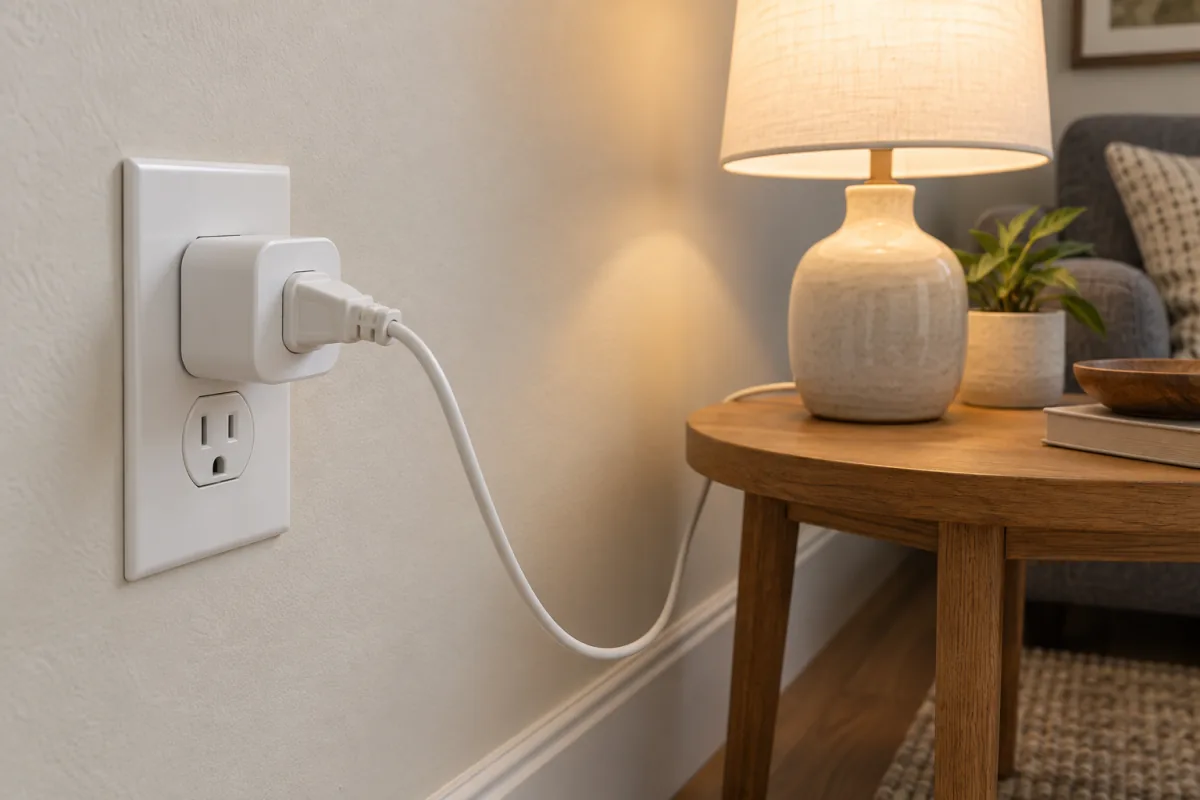
A smart plug is a small adapter that sits between a wall outlet and an appliance and lets you switch that outlet on and off from your phone, by voice, or on a schedule. It works for anything that turns on the moment it gets power: lamps, fans, string lights, a coffee maker with a mechanical switch, an aquarium heater. It does not work for devices with a soft power button that waits for a press, which rules out most TVs, game consoles and modern microwaves. This guide covers twelve uses that earn their spot, the wattage limits that keep a plug safe, how to choose between Wi-Fi, Matter and Zigbee, and a setup that takes under ten minutes.
Key takeaways
- A smart plug only cuts and restores power. If the appliance needs a button press after power returns, the plug cannot help.
- Check the amp rating before connecting anything with a heating element. A 1,500 W space heater draws 12.5 A at 120 V, which exceeds a 10 A plug.
- Wi-Fi plugs are the cheapest and need no hub. Matter plugs work across Apple, Google and Amazon apps. Zigbee plugs need a hub but do not crowd your router.
- Energy-monitoring models show what an appliance really costs to run, which is the fastest way to find the old freezer eating your bill.
- Schedules and “away” routines are the features people still use a year later.
How a smart plug works, and what it cannot do
Inside every smart plug is a relay, a radio and a tiny controller. The relay physically connects or breaks the live wire to the front socket. The radio (Wi-Fi, Thread, Zigbee or Bluetooth) listens for commands from your phone or hub. The plug knows nothing about the device on the other end. It cannot dim a lamp, change a fan speed or tell a TV to switch input.
So run this test first: unplug the appliance while it is running, then plug it back in. If it comes back on by itself, a smart plug will control it. If it sits dark waiting for a button, it will not. Devices that pass: lamps with the switch left on, fans and slow cookers with a dial, fairy lights, heated blankets with a mechanical control, humidifiers with a rocker switch, chargers, routers and modems. Devices that usually fail: TVs, soundbars, PCs, coffee machines with a touch panel, air fryers, anything with a digital clock that resets.
12 uses that hold up in a real home
- Lamps on a sunset schedule. Most apps offer “sunset” as a trigger, so the living-room lamp tracks the evening all year.
- Holiday lights. Outdoor-rated plug, tree lights on at 5 p.m., off at 11 p.m. This use alone retires the mechanical timer with the little pins.
- A morning coffee maker. Drip machines with a mechanical switch only. Fill it the night before, leave the switch on, schedule the plug for 6:45 a.m.
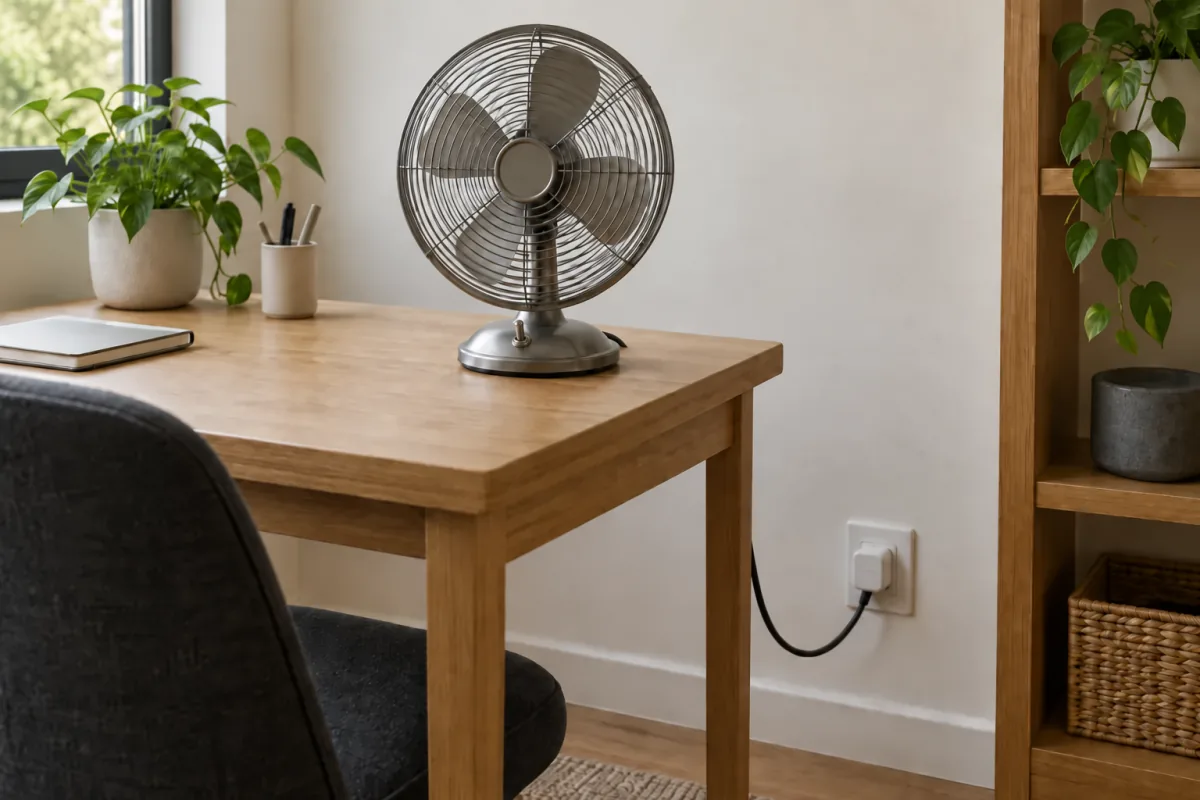
- Fans in summer. A box fan from 2 p.m. to 6 p.m. while you are out, so the bedroom is not an oven at night.
- Aquarium or terrarium lights. Fish and reptiles want a consistent day length. A 12-hour cycle on a plug is more reliable than a person.
- Rebooting the router. Put the modem or router on a plug with a nightly off-and-on at 4 a.m. Note that a Wi-Fi plug cannot receive a manual “on” command once the router is down, because it loses its own connection; the scheduled reboot runs locally and works anyway.
- Charging limits. An e-bike or tool battery you do not want on the charger for 12 hours: run the plug for three hours, then cut it.
- Energy tracking. A plug with a power meter shows watts now and kilowatt-hours over a month. Put it on the garage freezer for a week and you will know whether to replace it.
- Vacation presence. Several apps have a “random” or “away” mode that varies the lamp’s on time, which looks more lived-in than 7 p.m. sharp every night.
- A heated towel rail or blanket. Mechanical controls only, and within the wattage limit below.
- Cutting standby power. A printer, console dock and soundbar together can idle at 15 to 30 W. One plug for the media cabinet, off overnight.
- Kids’ devices. The console power brick goes off at 9 p.m. Expect negotiations.
Safety: watts, amps and the outlet behind the plug
Every smart plug carries a maximum load, printed on the back in amps and watts. Common ratings are 10 A (about 1,200 W at 120 V, or 2,300 W at 230 V) and 15 A (1,800 W at 120 V). Compare that against the appliance’s own label. A 60 W lamp is nowhere near the limit. A 1,500 W heater at 120 V draws 12.5 A, which exceeds a 10 A plug and leaves little margin on a 15 A one. Heaters also cycle on and off, and each cycle sends an inrush surge through the relay contacts, which is what wears out cheap plugs.
The Electrical Safety Foundation International’s space-heater guidance says to plug heaters directly into the wall and never into an extension cord or power strip. If you want remote control of a heater, look for a plug rated 15 A or 16 A with a UL, ETL or equivalent safety listing that states it is suitable for heaters. Never daisy-chain a plug into a strip or a strip into a plug: the weakest link sets the limit and it is usually unmarked. Also check the safety mark for your region (UL or ETL in North America, CE plus a named test lab in Europe, BIS in India) and never adapt a 15 A plug to fit a dryer or air-conditioner outlet.
Choosing: Wi-Fi vs Matter vs Zigbee, indoor vs outdoor
| Type | Needs a hub? | Works with | Best for | Trade-off |
|---|---|---|---|---|
| Wi-Fi (2.4 GHz) | No | Brand app, plus Alexa or Google Home via the cloud | One to five plugs, first-time buyers | Each plug takes a router slot; cloud dependence |
| Matter (Wi-Fi or Thread) | Thread models need a border router such as a HomePod mini, newer Echo or Nest Hub | Apple Home, Google Home, Alexa and SmartThings, controlled locally | Mixed-brand homes, anyone who may switch phones | Higher price; energy data may not cross to third-party apps |
| Zigbee | Yes (Hue Bridge, SmartThings, Echo with built-in hub, Home Assistant) | The hub’s ecosystem | Ten or more plugs | Hub cost; fewer retail options |
| Bluetooth only | No | Phone within range | A single plug in a small flat | No remote access; weak through walls |
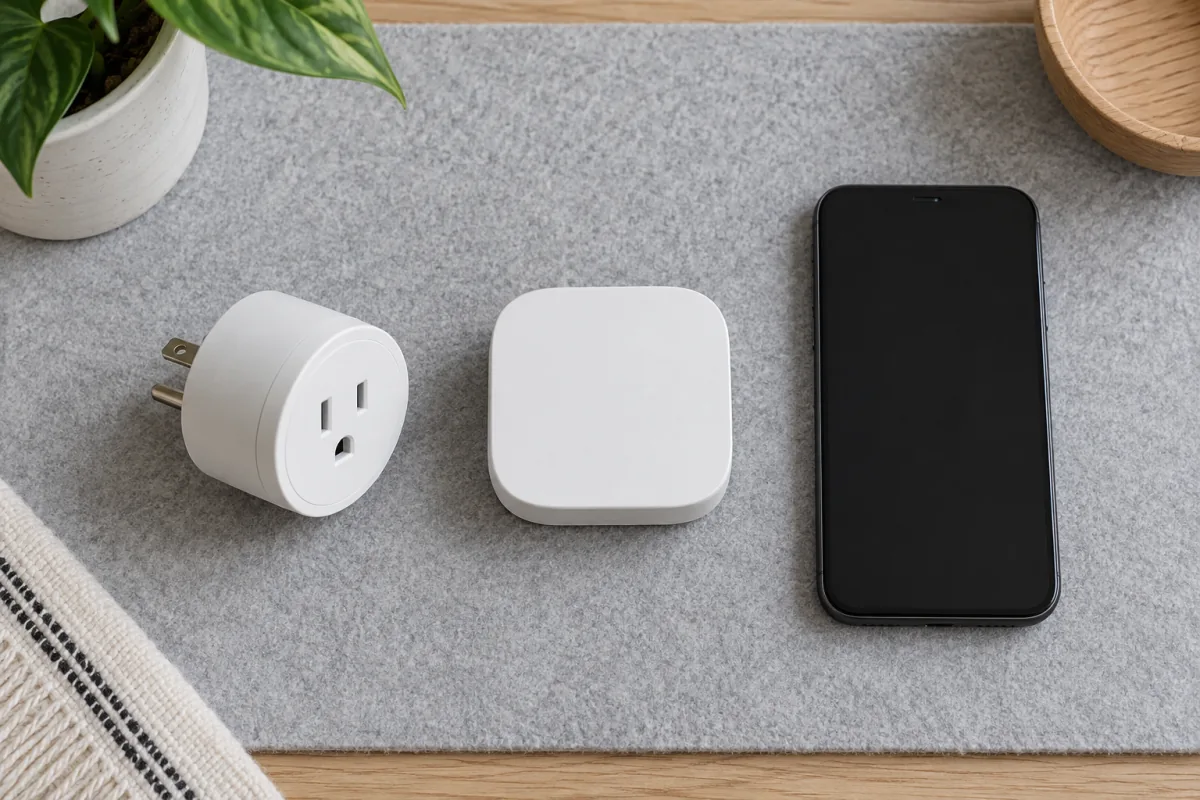
Matter is the standard from the Connectivity Standards Alliance that lets devices from different brands talk to any major home app. The CSA’s Matter page lists the device types it covers, and the on/off plug is the simplest. A Matter plug is not tied to a brand app if you move between Android and iPhone.
Outdoor plugs add a weather-resistant housing, usually IP44 or better, a socket cover and often two switched sockets.
Prices at the time of writing: basic Wi-Fi plugs sell in packs of four for roughly the cost of a restaurant lunch each; Matter and energy-monitoring models run one and a half to three times that; outdoor two-socket plugs sit at the top. The Amazon Smart Plug product page shows what a mainstream indoor plug should list: a 15 A rating and a 2.4 GHz requirement. If you are only starting to connect things, the site’s smart home starter guide explains which hub or speaker to buy first.
Setup step by step
- Check your Wi-Fi band. Nearly all plugs connect only to 2.4 GHz. If your router merges both bands under one name and setup fails, split them for ten minutes.
- Install the app. For Matter plugs, use Apple Home, Google Home or Alexa directly. For others, install the brand app and create an account.
- Plug it in and wait for a fast blink. Solid or off means it is not in pairing mode; hold the button for five to ten seconds.
- Add the device. Matter plugs have a QR code on the body; scan it and keep the code for future re-pairing.
- Name it by room and job. “Living room lamp” beats “Plug 1”, and it is what you will say to a voice assistant.
- Set the power-loss behaviour. Many apps offer on, off or last state after an outage. Lamp: last state. Heater: off.
- Create the schedule. Lamp on at sunset and off at 11 p.m.; coffee at 6:45 a.m. weekdays; router off at 4:00 a.m. and on at 4:02 a.m.
- Add it to a scene. “Goodnight” switching off the media cabinet, lamp and fan in one tap is when the plug stops being a gadget.
If pairing fails twice, the usual causes are a phone stuck on 5 GHz, a router setting called AP or client isolation, or a guest network. In a larger house, a mesh Wi-Fi system gives every plug a nearby node.
Mistakes people make
- A heater through a strip. Covered above. This is the one that starts fires.
- Treating a plug as a security system. A lamp on a schedule is a deterrent, not an alarm. For monitoring, pair it with solar security cameras that do not share the outlet.
- Buying twenty Wi-Fi plugs. Consumer routers slow down past 30 to 40 connected devices. For a big plan, start with Zigbee or Thread.
- Leaving the appliance switch off. The plug restores power but the lamp’s own switch is off. Leave the appliance on and control it from the plug only.
- Expecting it to replace a thermostat. A plug can time a portable heater but cannot read the room. The guide to smart thermostats that save money covers real climate control.
Who this is not for
Skip smart plugs if everything you want to control has a soft power button; a smart TV’s own app or HDMI-CEC does that job. Skip them if your outlets sit behind furniture, because a plug adds about 4 cm and can stop a bed from sitting flush. If you want dimming, a smart bulb or in-wall dimmer is the right tool. A plug is a switch, and a very good one.
Frequently asked questions
Can a smart plug run a space heater?
Only if the plug is rated for the heater’s full draw with margin, carries a recognised safety listing, and goes straight into a wall outlet. A 1,500 W heater at 120 V needs at least a 15 A plug, and many makers still advise against it. In a 230 V region a 2,000 W heater draws about 8.7 A, which a 13 A or 16 A plug handles, but the same direct-to-wall rule applies. A heater with a digital panel will not restart when power returns anyway.
Do smart plugs use electricity when off?
Yes, a little. The radio stays awake, typically 0.5 to 1.5 W, or roughly 4 to 13 kWh a year per plug. The standby it cuts from a media cabinet is usually ten times more, but a plug on a lamp that is simply off saves nothing.
Do smart plugs work without Wi-Fi?
A stored schedule keeps running through an outage on most models, but you cannot change it or control the plug from the app until the connection returns. Matter over Thread and Zigbee plugs are controlled locally by the hub, so they keep working when the internet is down as long as the home network is up. The button on the plug always works.
Can a smart plug turn on a TV?
Almost never. Nearly every TV made in the last fifteen years boots into standby and waits for the remote. A plug can turn a TV off by cutting power, but you would need the remote to bring it back. Test it: unplug the TV while it is on, plug it back in, and see what happens.