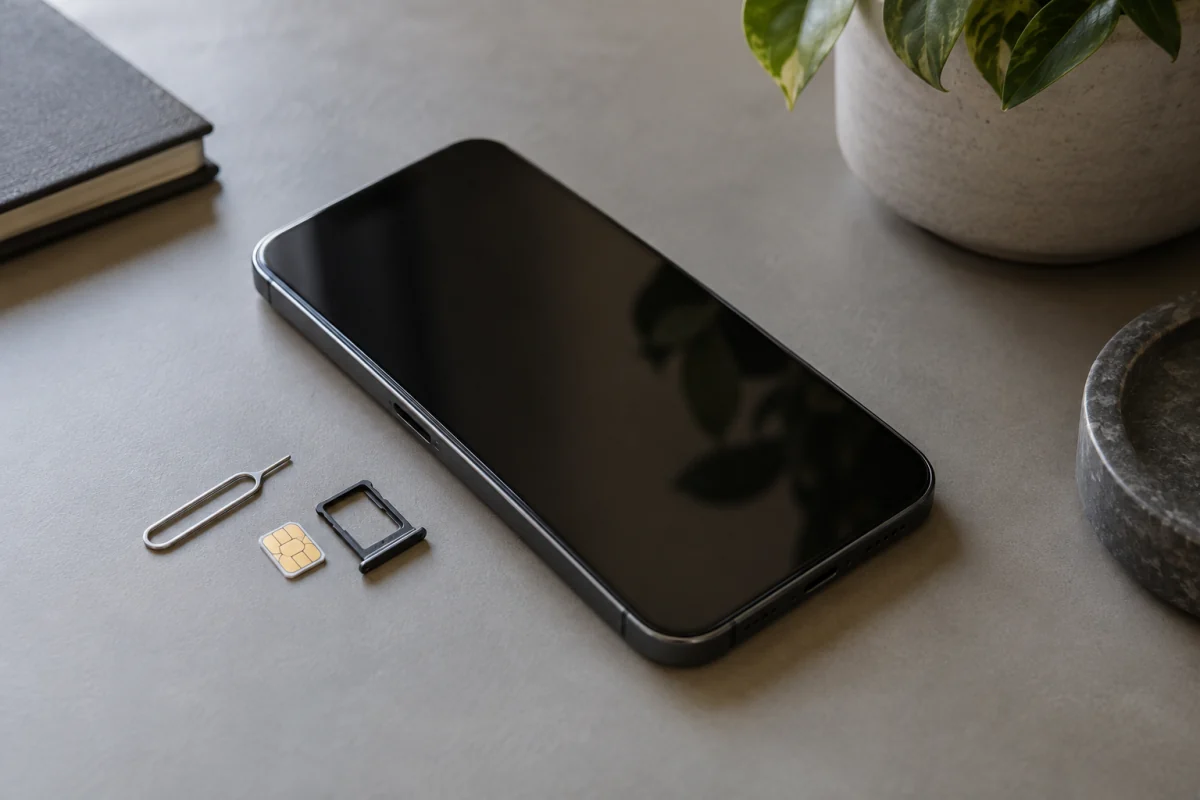
SIM swapping is when a criminal convinces your mobile carrier to move your phone number to a SIM they control. From that moment they receive your calls and texts, including the one-time codes banks and email providers send, and they use those to reset your passwords and empty accounts. The defence takes about an hour: put a PIN or port-freeze on your carrier account, move your important logins off SMS codes to an authenticator app or a security key, and stop your phone number being the recovery method for your email. This guide explains how the attack works, the warning signs, the exact steps to protect yourself, what to do if it happens, and the other phone scams that feed into it.
Key takeaways
- Your phone number is a password you didn’t choose. Anything that resets with an SMS code is only as safe as your carrier’s customer service.
- Set a carrier account PIN and, where offered, a port-out or number lock. This is the single most effective step.
- Switch two-factor codes for email, banking and crypto to an authenticator app or hardware key. Keep SMS as the fallback only where nothing else is offered.
- Your email account is the master key. Protect it first, because every other account resets through it.
- A phone suddenly showing “No service” while others nearby have signal is the classic sign. Call your carrier from another phone immediately.
How a SIM swap works
- The attacker gathers details about you: full name, address, date of birth, the last four digits of an ID number, and often answers to security questions. These come from data breaches, social media and phishing.
- They contact your carrier by phone, chat or in a store, claim to be you with a lost or broken phone, and ask to activate a new SIM or eSIM. Sometimes an insider at the carrier is paid to do it.
- Your phone drops off the network. Their SIM now receives your calls and texts.
- They request password resets on your email, then your bank, exchange or payment app, and approve them with the SMS codes now landing on their phone.
- They move money, change recovery details to lock you out, and often sell access to the rest.
The whole thing can take under an hour. The US Federal Trade Commission’s guidance on SIM swap scams describes the pattern and the reporting route for US residents; other countries’ regulators publish equivalents.
Warning signs
- Your phone shows no signal or “emergency calls only” while other phones on the same network work.
- A text from your carrier about a SIM change, eSIM activation or port request you didn’t make.
- Password reset emails you didn’t request, especially from your email provider.
- Being locked out of accounts you were logged into.
- Social media posts or messages sent from your accounts.
If you see the first one, act within minutes. Use another phone or a landline to call the carrier’s fraud line.
Protection, step by step
1. Lock your carrier account
Log in to your carrier’s account or call them and set an account PIN or passcode that must be given before any change. Then ask about a port freeze, number lock or SIM lock, which blocks moving the number or issuing a new SIM until you remove the lock in person or through the app. The names vary by carrier and country, but most major providers now offer something. Set a PIN that isn’t your date of birth or the last digits of anything on public record.
2. Fix your email first
Every account resets through your email, so it’s the one to harden before the rest. Remove your phone number as a recovery option or, if the provider requires one, make sure SMS isn’t the only second factor. Add an authenticator app and a hardware security key. The two-factor authentication guide walks through this for Google, Microsoft and Apple accounts.
3. Move important accounts off SMS codes
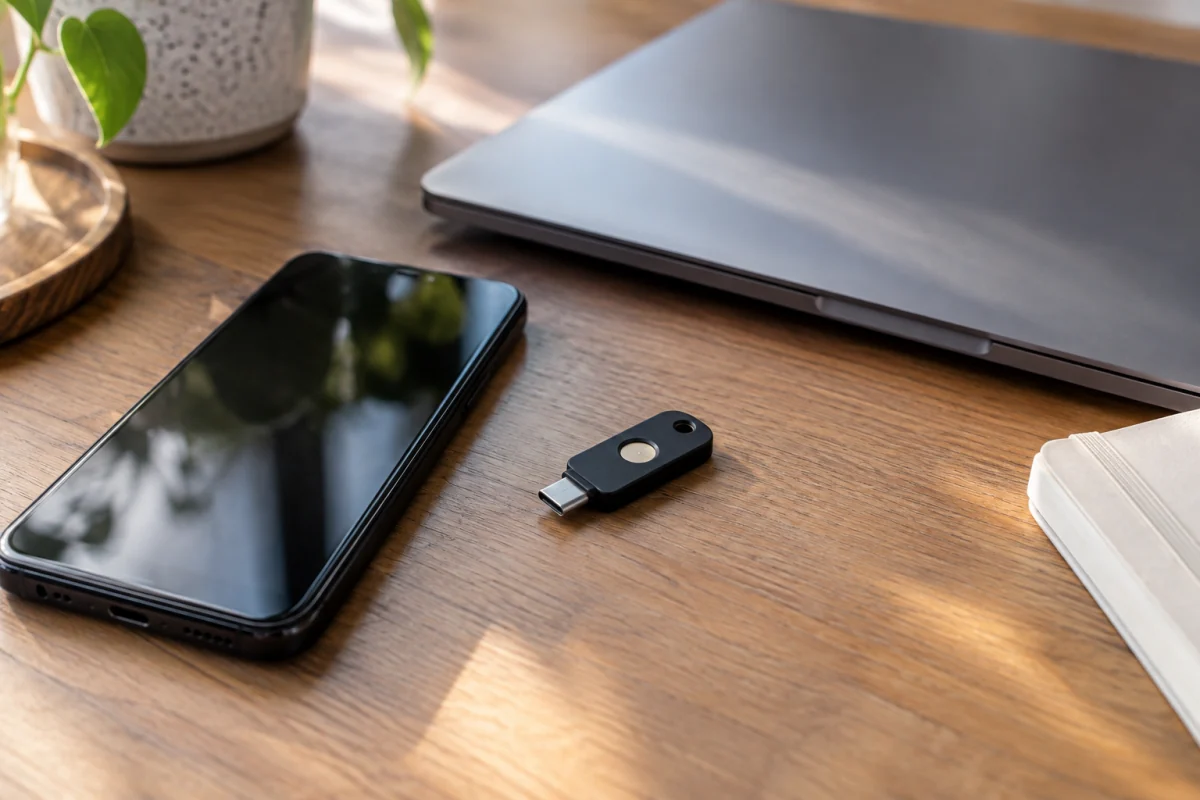
Banking, investment and cryptocurrency accounts, payment apps, your password manager and social media. In each account’s security settings, add an authenticator app (Aegis, Google Authenticator, Microsoft Authenticator, or the one built into your password manager) and then remove SMS as a method if the service allows it. Where a service only offers SMS, consider whether a different provider is worth it. The hardware security key guide covers the strongest option for the accounts that matter most.
4. Use a different number for account recovery
A second number, such as a VoIP number that can’t be SIM-swapped or a prepaid SIM nobody knows about, can serve as the phone number on file where one is required. Keep it private and don’t use it for calls.
5. Freeze your credit
In countries with credit bureaus, a freeze stops new accounts being opened in your name even if the attacker has your details. It’s free in the US and takes ten minutes per bureau.
6. Unique passwords everywhere
A password manager makes this automatic. If one site leaks, the attacker gets nothing else. The password manager guide compares the main options.
7. Reduce what’s public
Your date of birth, mother’s maiden name, first pet and school are all on social media and all used as security questions. Lock down profiles, and answer security questions with random strings stored in your password manager instead of the truth.

If you’ve been SIM swapped
- From another phone, call the carrier’s fraud line and have them reverse the swap and lock the account. Get a case reference.
- From a computer, change your email password and check its recovery settings and forwarding rules for anything added.
- Call your banks and card issuers. Freeze accounts and cards, and ask them to flag recent transfers.
- Reset passwords on financial, payment and social accounts, and revoke active sessions.
- Check the security pages of major accounts for new devices, app passwords and recovery methods you didn’t add.
- Report it to the police and to your national fraud reporting body (in the US, the FBI Internet Crime Complaint Center), and keep records. Banks will ask for the reference.
- Tell contacts. Attackers use hijacked accounts to scam friends.
The scams that feed SIM swaps
Phishing texts (smishing)
Messages claiming a parcel is held, a bill is unpaid or your account is locked, with a link to a fake login page. The harvested details go straight into a SIM swap or account takeover. Never log in from a link in a text; open the app or type the address.
Carrier impersonation calls
Someone claiming to be from your carrier offering a discount or “verifying your account” and asking for your account PIN. The carrier will never ask for the PIN on a call they made to you.
Tech support scams
A pop-up or call saying your device is infected, leading to remote access software and then to your accounts. No legitimate company cold-calls about a virus on your phone.
Caller ID spoofing
Calls that appear to come from your bank. Hang up and call the number on your card.
One-ring and callback scams
Missed calls from premium-rate international numbers that charge you when you call back. Don’t return calls to numbers you don’t recognise.
If you suspect malware rather than fraud, the signs your phone has been hacked guide covers what to check.
Common mistakes
- Setting a carrier PIN and then using the same four digits as your bank card.
- Adding an authenticator app but leaving SMS enabled as a fallback, which the attacker simply chooses instead.
- Assuming eSIM is immune. eSIMs are swapped the same way, through the carrier.
- Keeping the recovery phone on your email account as your main number.
- Ignoring a “SIM change” text because you were busy.
Who this matters most for
Everyone with a bank account, but especially people who hold cryptocurrency, run a business from their phone, have a public profile, or have appeared in a data breach (which is most people). If you have almost nothing tied to your number and use no SMS codes, a carrier PIN is still worth the five minutes. There’s no version of this where doing nothing is the reasonable choice, because the attack costs the criminal almost nothing and pays well. An hour of setup and you’re no longer the easy target.
Frequently asked questions
Can my SIM be swapped if I have an eSIM?
Yes. The attacker asks the carrier to issue a new eSIM profile the same way they’d request a physical SIM. The carrier PIN and number lock protect both.
Does SIM swapping work on prepaid phones?
Yes. Prepaid accounts often have weaker identity checks, which makes them easier targets. Add whatever PIN the carrier offers.
How do scammers get my personal information?
Data breaches, phishing texts, social media profiles and people-search sites. A freeze on your credit and a locked-down social profile shrink what’s available.
Is SMS two-factor better than none?
Yes. It stops attackers who only have your password. But it’s the weakest form, and for email and finance you should use an app or key instead.
Will my carrier notify me of a swap attempt?
Many send a text or email when a SIM change is requested. That message arrives on the old SIM, so read it immediately if you see it. A number lock stops the change outright rather than just warning you.
Can a VPN protect me from SIM swapping?
No. A VPN protects your internet traffic; the attack happens at the carrier through customer service. Carrier PINs, number locks and app-based two-factor are the defences.