iPhone battery health is the number under Settings, Battery, Battery Health & Charging labelled Maximum Capacity. It compares how much charge your battery can hold now with how much it held when new. A phone at 100 percent is fresh; a phone at 80 percent holds about four fifths of its original charge and is the point where Apple considers the battery worn and eligible for replacement. Most iPhones lose somewhere between 3 and 8 points a year depending on heat and how often they cycle, so the number itself is less useful than the trend. This guide explains what the percentage measures, what changes at 80 percent, which settings slow the wear, and when a new battery makes more sense than a new phone.
Key takeaways
- Maximum Capacity is a capacity estimate, not a speed or safety score. A phone at 88 percent works normally; it just runs out sooner.
- Apple’s design target is 80 percent capacity after 500 full charge cycles for iPhone 14 and earlier, and 80 percent after 1,000 cycles for iPhone 15 and later.
- Heat does more damage than charging habits. A phone left on a car dashboard in summer loses more capacity in an afternoon than a month of overnight charging.
- Below 80 percent, iOS may show a service message and can apply performance management, which is the slowdown people notice on old phones.
- An Apple battery replacement costs far less than a new phone. If everything else about the phone still suits you, replace the battery.
Where to find it and what Maximum Capacity measures
Open Settings, tap Battery, then Battery Health & Charging. On iPhone 15 and later the screen also shows the cycle count and the battery’s manufacture date.
Maximum Capacity is the phone’s estimate of the battery’s full charge capacity as a percentage of its design capacity. Lithium-ion cells lose capacity chemically as they age even when unused, and the phone calculates the figure from how much energy it measures flowing in and out across recent charges. Because it is an estimate, it can sit at one value for weeks and then drop a couple of points at once when the phone gets a cleaner reading. Apple explains the measurement and the service thresholds on its iPhone battery and performance support page.
The number does not tell you whether the battery is dangerous. A swollen battery pushes the screen or back glass outward and needs service regardless of the percentage.
Normal wear per year and the 80 percent threshold
A charge cycle is one full discharge worth of use, so going from 100 to 50 percent twice counts as one cycle. Apple’s published design figure is that the battery retains 80 percent of its original capacity at 500 complete cycles for iPhone 14 and earlier, and at 1,000 cycles for iPhone 15 and later under ideal conditions. Apple lists these figures on its battery service and recycling page.
What that means in practice for someone who charges roughly once a day:
| Phone | Design target | Typical capacity after 1 year | Typical capacity after 2 years |
|---|---|---|---|
| iPhone 14 and earlier | 80% at 500 cycles | 88 to 94% | 80 to 88% |
| iPhone 15 and later | 80% at 1,000 cycles | 92 to 97% | 86 to 93% |
These are ranges, not guarantees. Heavy users who cycle the battery twice a day and people in hot climates sit at the low end or below it.
Why 80 percent matters: that is where Apple’s service program treats the battery as consumed, and where the loss starts to feel real. A battery that lasted a full day when new now needs a top-up by late afternoon. Nothing dramatic happens at 79 percent; it is simply the line where replacement becomes a sensible spend.
Peak performance capability and throttling messages
Under the Maximum Capacity line is Peak Performance Capability. As a battery ages its internal resistance rises, so it struggles to deliver short bursts of high current. If the phone ever shuts down unexpectedly because the battery could not keep up, iOS turns on performance management: the phone smooths out peak demand, which can mean longer app launches, lower frame rates in games, and a dimmer screen during demanding moments.
Three messages you might see here:
- “This iPhone has experienced an unexpected shutdown because the battery was unable to deliver the necessary peak power. Performance management has been applied.” You can tap Disable to turn it off, but it re-enables after the next shutdown. This is the clearest sign a replacement is due.
- “Your battery’s health is significantly degraded.” Shown once capacity is below 80 percent. The phone still works; it is a nudge toward service.
- “Unable to verify this iPhone has a genuine Apple battery.” Appears after a third-party battery or an unpaired Apple battery is fitted. More on this below.
If the phone feels slow but this section says normal, the battery is not the cause. Full storage and background apps usually are, and most fixes in our guide to speeding up a slow phone apply to iPhone too.
Settings that slow the wear
You cannot stop a lithium-ion battery ageing, but you can slow it. The levers, in order of effect, are heat, time at very high charge, and charge speed.
Keep the phone cool
Apple’s stated comfort zone for iPhone is 0 to 35 degrees Celsius (32 to 95 Fahrenheit), and it notes that exposure above 35 degrees can permanently reduce capacity. The everyday offenders are charging in a hot car and gaming or streaming while charging in a thick case. If the phone is warm to the touch while charging, take the case off or move it somewhere cooler. Wireless pads run warmer than a cable.
Turn on a charge limit (iPhone 15 and later)
Under Battery Health & Charging, iPhone 15 and later offer a Charging Optimization setting with a Charge Limit slider from 80 to 100 percent in 5 percent steps. Setting 80 or 85 keeps the battery out of the high-voltage state that ages it fastest. The trade-off is obvious: you give up 15 to 20 percent of daily runtime. This is worth it for people who charge at a desk all day or who plan to keep the phone for four or more years. It is not worth it if you already run the battery flat most days.
Leave Optimized Battery Charging on (all models since iOS 13)
Optimized Battery Charging learns your routine and holds the charge at 80 percent overnight, finishing the last 20 percent shortly before you usually unplug. It only engages when the phone detects a regular pattern, so it does little for shift workers, and it needs Significant Locations turned on. If the phone is stuck at 80 percent when you need it full, press and hold the notification and choose Charge Now.
Avoid running to zero, and go easy on fast charging
Deep discharges stress the cell more than shallow ones, so two top-ups from 30 to 70 percent are easier on it than one run from 100 to 0. A 20 W or higher charger also heats the battery more than a 5 W one; use a slower charger overnight and save fast charging for when you need 50 percent in half an hour. On the go, a power bank or small portable power station with a standard USB-C PD port charges at a sensible rate.
Replace the battery or the phone?
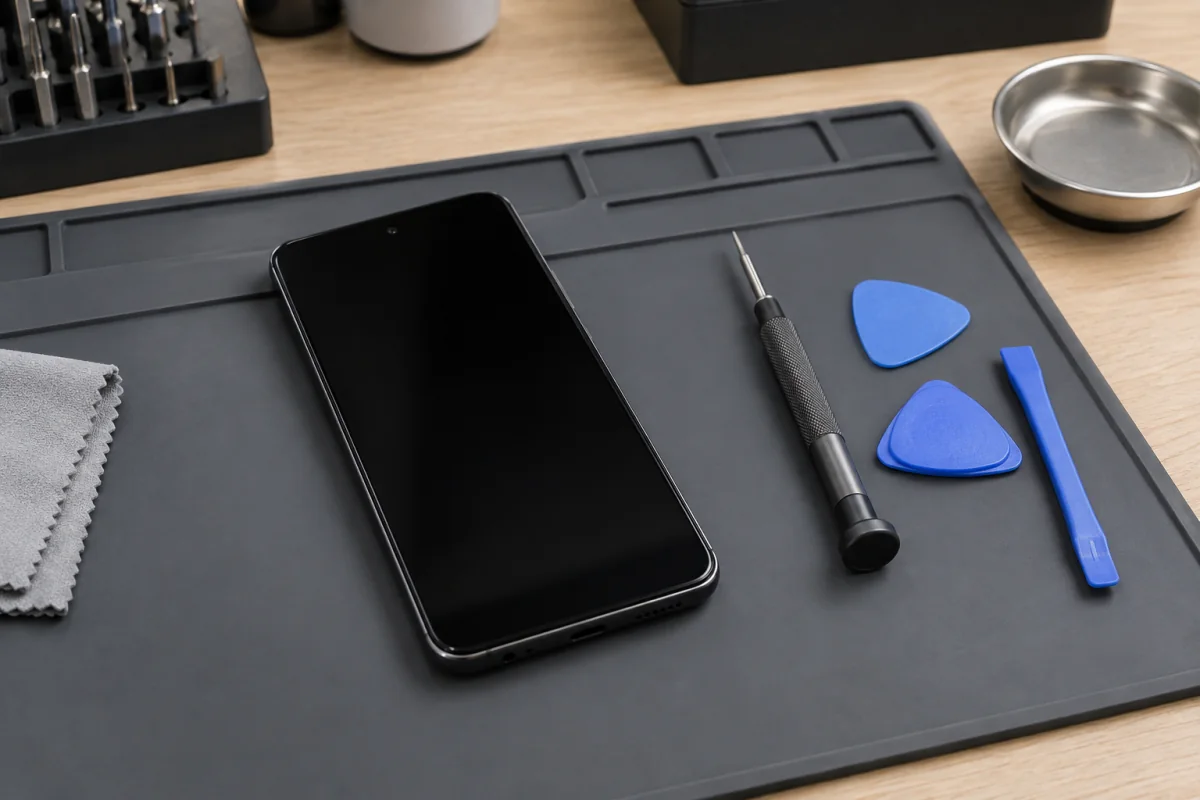
At the time of writing, Apple’s out-of-warranty battery service for recent iPhones falls roughly in the 90 to 120 US dollar range depending on the model, with older models at the lower end. Independent repair shops using aftermarket cells are often in the 40 to 80 dollar range. A new mid-range or flagship iPhone is several times either figure. Apple’s iPhone battery service page lists the current price for each model and lets you book.
The battery is free under Apple’s one-year warranty or AppleCare+ if capacity is below 80 percent. Check Settings, General, About, Coverage before paying.
| Your situation | Better option | Why |
|---|---|---|
| Phone is under 4 years old, still gets iOS updates, capacity under 85% | New battery | You get most of day one runtime back for a fraction of a new phone |
| Phone is out of iOS support or about to be | New phone | Security updates matter more than an hour of battery |
| Screen cracked, port loose, or camera failing as well | New phone | Stacked repairs approach the price of a good used or budget phone |
| Capacity 85 to 95% but runtime feels short | Neither yet | Check Settings, Battery for an app draining it; the battery is fine |
| Performance management message has appeared | New battery | Slowdown is the battery, and a new one removes it |
| Battery swollen or phone shuts off in the cold above 30% | New battery now | Safety and reliability, not just runtime |
If you do go for a new phone, our guide to budget phones under $300 covers what to check.
Third-party versus Apple replacement: what changes in Settings
An Apple or Apple-authorised replacement uses a genuine battery that is paired to the phone during the repair, so Battery Health shows a fresh 100 percent with a cycle count near zero and no warnings.
A third-party battery, or a genuine Apple cell moved from another phone, triggers the “Unable to verify this iPhone has a genuine Apple battery” notice. Since iOS 17.2 the phone still shows Maximum Capacity for these batteries on many models, though the figure comes from the battery’s own controller and may be less accurate. The phone otherwise works and holds its charge according to the quality of the cell fitted.
If you go third-party:
- Ask the shop what cell they fit and whether it is rated at the original milliamp-hour capacity. Cheap cells sometimes start at 90 percent of the original figure, which the phone will report honestly.
- Water resistance depends on the adhesive seal being replaced properly. A cut-price repair that skips it leaves the phone unsealed.
Who this guide is not for
If your iPhone no longer receives iOS updates, put the battery money toward a newer phone. If it is under warranty and below 80 percent, skip the third-party route and book Apple service, which is free. And if the phone went in water before the battery started draining, corrosion is the likely fault and a new battery will not fix it.
Frequently asked questions
Is 85% battery health bad?
No. At 85 percent the battery holds about six sevenths of its original charge and iOS applies no performance management. You will notice shorter days, especially with GPS or video. It is the point where planning a replacement in the next six to twelve months makes sense, not the point where you need one today.
Does charging overnight damage the battery?
Not in any meaningful way. The phone stops drawing charge at 100 percent, and Optimized Battery Charging holds it at 80 percent for most of the night. The real overnight risk is heat: a phone charging under a pillow or on a warm wireless pad ages faster. Charge on a cool surface with a cable and the habit is fine.
Why did battery health drop suddenly?
The percentage is a rolling estimate. It can hold steady for weeks and then correct by two or three points after a full cycle gives the phone a cleaner reading. A drop of ten or more points in a month, or a battery that has started shutting down at 30 percent, means the cell is failing and should be checked.
Can I reset battery health?
No. The figure reflects the physical state of the cell and there is no setting, calibration trick, or full discharge routine that restores capacity. Apple did ship a recalibration for iPhone 11 in iOS 14.5 that corrected inaccurate readings on that model, but it corrected the reporting, not the battery. The only way to return to 100 percent is a new battery.