A phone under $300 can feel expensive if you check four things before buying: the screen refresh rate, the length of the software update promise, the storage type, and whether it works on your carrier’s network. Most other headline specs, including camera megapixel counts, tell you little at this price. The gap between budget and flagship phones has narrowed mainly because mid-range chips got fast enough for everyday tasks. Where budget phones still fall short is in camera processing, water resistance, and how long they keep getting updates. This guide explains how to read a budget phone’s spec sheet, which brands are worth a look, and the mistakes that leave people with a phone that feels cheap within a year.
Key takeaways
- Look for a 90 Hz or 120 Hz OLED screen. It is the single biggest contributor to a phone feeling smooth and premium.
- Check the update policy on the maker’s site. Some brands promise four or more years of security updates at this price; others quit after two.
- Insist on UFS storage rather than eMMC. Slow storage makes a fast chip feel sluggish.
- Verify carrier band support, especially 5G bands, before ordering an unlocked import.
- Prices at the time of writing move often; a phone listed at $349 at launch frequently drops below $300 within months.
What you give up under $300, honestly
It helps to know where the money is saved so you can decide which compromises you can live with.
- Camera processing. Sensors are fine in daylight. Night shots, zoom and video stabilisation are where flagships pull ahead, because that is computational work done by a faster chip.
- Water and dust rating. Many budget phones have splash resistance (IP53 or IP54) rather than full submersion (IP67 or IP68). Some have no rating at all.
- Build. Plastic frames and backs are normal. They are lighter and survive drops well, but do not feel like glass and metal.
- Wireless charging. Rare at this price. Wired charging is often fast, though.
- Update length. Improving, but still uneven across brands.
- Speakers and haptics. Often the first things cut. A phone with a single bottom speaker and a buzzy vibration motor feels cheaper than its specs suggest.
The specs that actually matter
Display
An OLED panel at 90 Hz or 120 Hz makes scrolling and animations smooth and gives deep blacks. A 60 Hz LCD, common on the cheapest phones, is the most obvious tell of a budget device. Also check peak brightness in nits; anything under about 800 nits will be hard to read in direct sun.
Processor and RAM
Mid-range chips from Qualcomm’s Snapdragon 6 and 7 series, MediaTek’s Dimensity 6000 and 7000 lines, Samsung’s Exynos mid-tier, and Google’s Tensor in the Pixel A series all handle apps, video and light gaming without stutter. 6 GB of RAM is the floor; 8 GB gives more headroom for multitasking. Chip names change each year, so compare by release date rather than memorising model numbers.
Storage
128 GB is the practical minimum, and a microSD slot is a bonus that flagships have abandoned. The type matters as much as the size: UFS 2.2 or UFS 3.1 storage loads apps and photos several times faster than eMMC. Makers sometimes hide this; if the spec page does not say, assume eMMC on the cheapest models.
Battery and charging
5,000 mAh is standard in this bracket and lasts a full day of heavy use. Check the charging wattage and whether a charger is in the box. Some phones support 33 W to 67 W wired charging, which refills in under an hour.
Software support
This decides how long the phone stays safe to use. Google promises seven years of OS and security updates on recent Pixel A models; Samsung promises multi-year support on its Galaxy A series. Check the exact commitment on the maker’s support page. Google publishes its schedule on the Pixel update support page, and Samsung lists its policy on the Samsung Mobile security update scope page.
Connectivity
NFC for contactless payments is missing from some budget models. Check for it if you use tap-to-pay. Wi-Fi 6 is worth having. For 5G, make sure the phone supports your carrier’s bands; imports often lack the ones used in North America.
Brands and lines worth looking at
These are the product families that reliably offer sub-$300 models. Descriptions reflect each maker’s published specifications; check the current listing, since generations change yearly.
| Line | Known for | Watch out for |
|---|---|---|
| Google Pixel A series | Best camera processing in class, long update promise, clean software | Launch price is above $300; look for the previous generation or a sale |
| Samsung Galaxy A series (A2x, A3x) | OLED screens, multi-year updates, wide carrier support, IP ratings on some | Lower models use slower chips and eMMC; check the exact model |
| Motorola Moto G series | Clean Android, big batteries, very low prices | Short update policy on many models, often 60 Hz LCD |
| OnePlus Nord series | Fast charging, 120 Hz OLED, good performance for the money | Availability and carrier support vary by region |
| Nothing Phone (a) series | Distinctive design, 120 Hz OLED, decent update policy | Limited North American carrier certification |
| Xiaomi Redmi Note and Poco | Aggressive specs per dollar | Software with more pre-installed apps; check band support carefully |
If privacy matters more than price, the privacy-focused phones guide covers a different set of trade-offs. And if the phone is for a child, pair it with the parental controls guide.

How to shop without getting burned
- Find the update policy first. Search the maker’s site for the model plus “security updates”. No published promise means assume two years or less.
- Check the exact model number. A “Galaxy A15” in one region may have a different chip or 5G support than the same name elsewhere.
- Look for the refurbished previous generation. Last year’s Pixel A or Galaxy A5x from the maker’s own refurbished store is often a better phone than this year’s cheapest new model.
- Confirm carrier compatibility. Use the carrier’s “bring your own device” checker with the IMEI, or the phone’s listed bands against the carrier’s published list.
- Read the return policy. Screen quality and vibration feel are subjective; make sure you can send it back.
Setup steps that make a budget phone feel faster
- Set the refresh rate to the highest option or “adaptive” in display settings; some phones ship at 60 Hz to save battery.
- Uninstall or disable pre-installed apps you will not use. They run in the background.
- Turn off animation scaling in developer options, or set it to 0.5x. It makes every transition feel snappier at no cost.
- Use a lighter launcher if the maker’s is heavy.
- Install updates on day one. Budget phones often ship with old firmware.
- Set up the security basics: screen lock, find-my-device, and the steps in our two-factor authentication guide.
Common mistakes
- Judging by megapixels. A 108 MP sensor on a budget phone does not out-shoot a 12 MP flagship. Processing wins.
- Ignoring storage type. A phone with a fast chip and eMMC storage will feel slow opening apps.
- Buying a 5G phone that lacks your carrier’s bands. It will fall back to 4G or not connect at all.
- Trusting launch reviews for a model that has since been cost-reduced. Some makers quietly swap components mid-cycle.
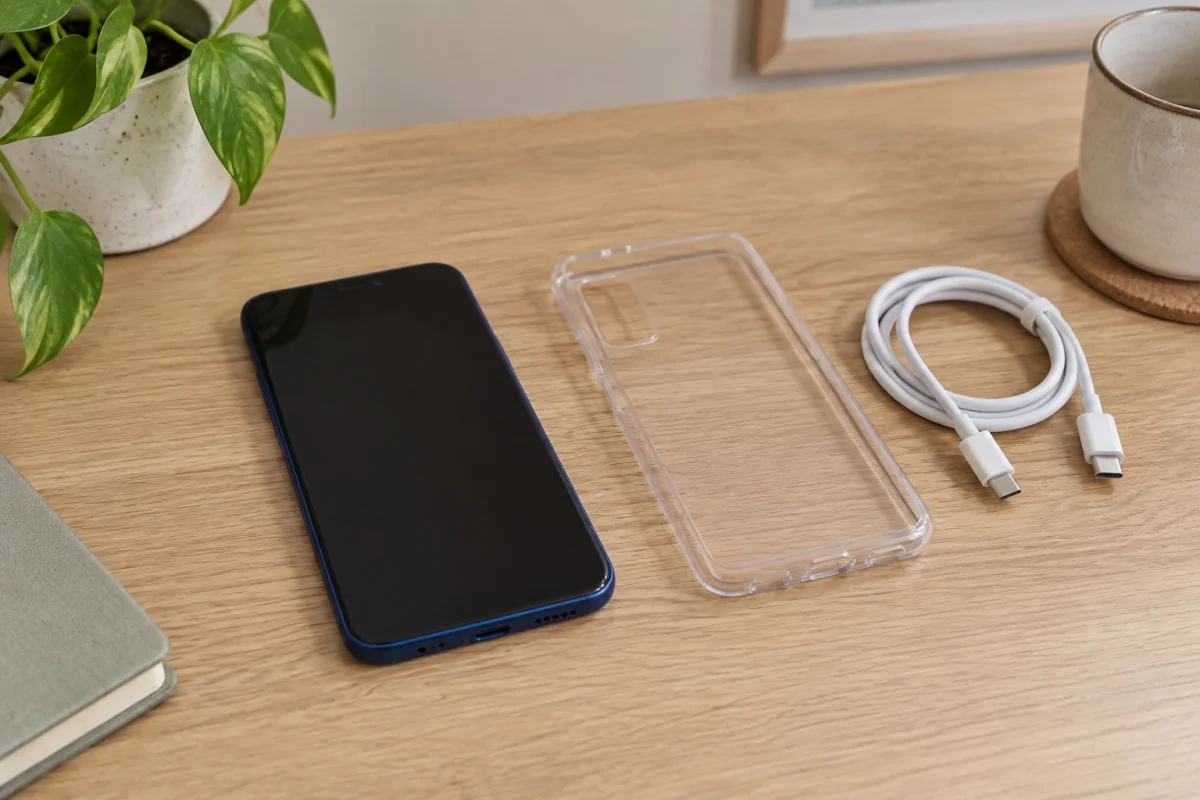
- Skipping the case. Plastic backs scratch easily, and repair costs are a large share of the phone’s price.
Who this is not for
If photography is the main reason you carry a phone, save for a used flagship instead; camera processing is where the gap remains largest. If you need the phone to survive a pool or a building site, look for a full IP68 rating, which pushes the price up. Heavy mobile gamers will hit the limits of mid-range chips in demanding titles. And if you keep phones for five years or more, a Pixel A or Galaxy A5x with a long update promise is worth stretching the budget for, even if it means waiting for a sale.
Frequently asked questions
Are budget phones safe to use for banking?
Yes, as long as they still receive security updates. That is why the update policy matters more than any other spec for long-term use.
Is 4 GB of RAM enough?
For calls, messaging and a few apps, yes. For switching between many apps or heavy browsing, 6 GB or more avoids reloads.
Should I buy unlocked or from a carrier?
Unlocked gives freedom to switch carriers and usually fewer pre-installed apps. Carrier versions sometimes cost less on a plan but may lock you in. Either way, check band support.
Do budget phones get Android version updates?
Some do. Pixel A and Galaxy A5x models get several OS versions. Many cheaper models get one or two OS updates plus security patches for a further period.
How long will a $300 phone last?
Physically, three to four years with a case. Practically, until the security updates stop, which is the number to check before buying.