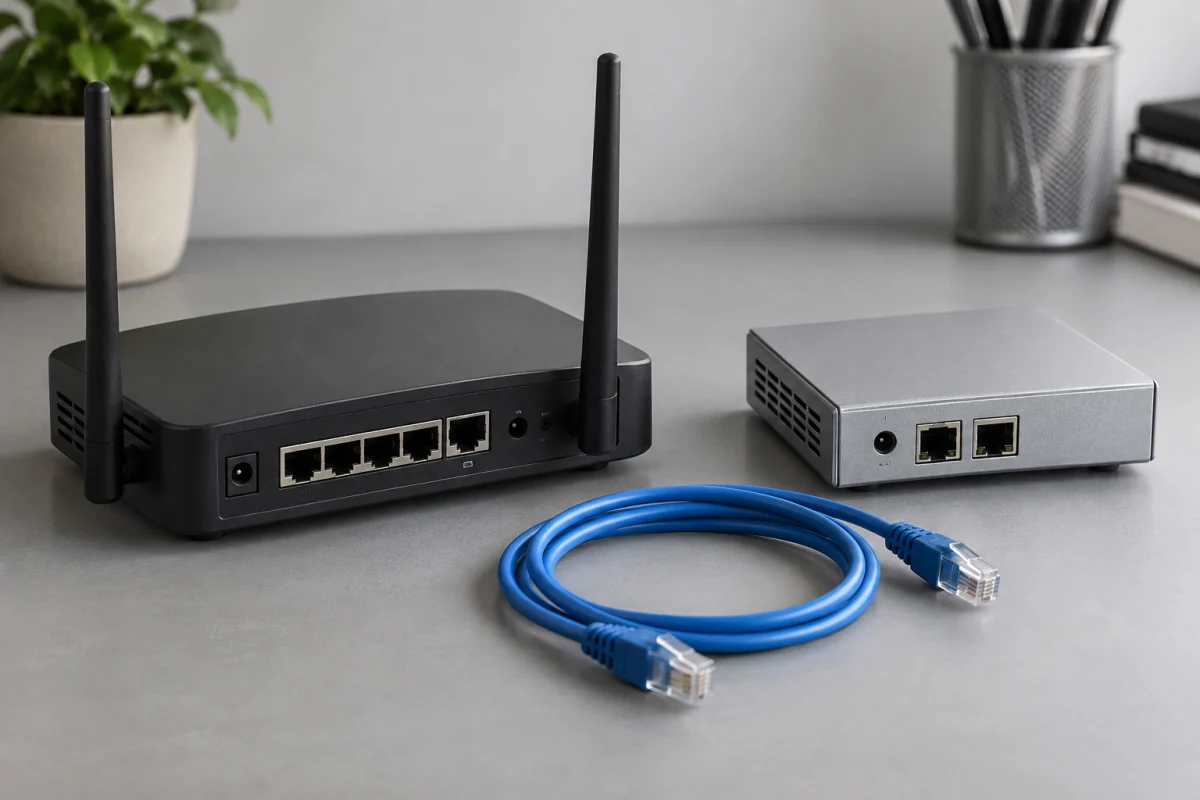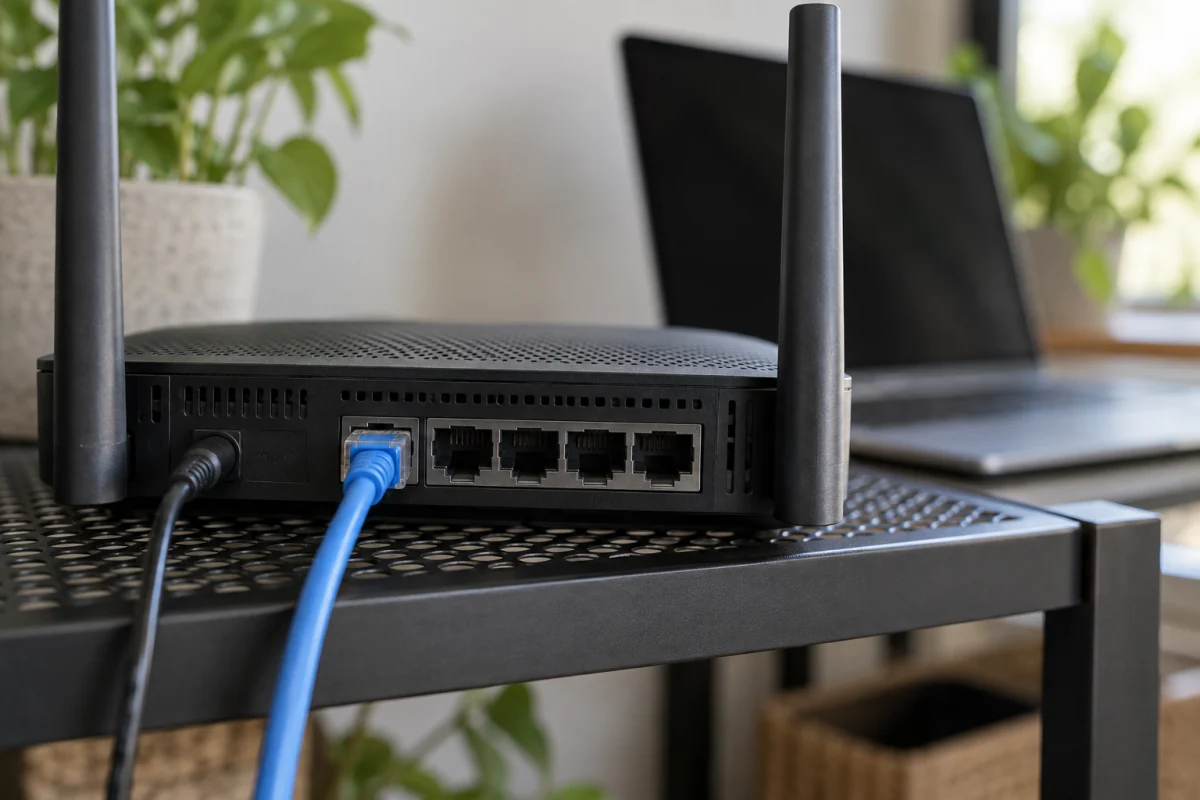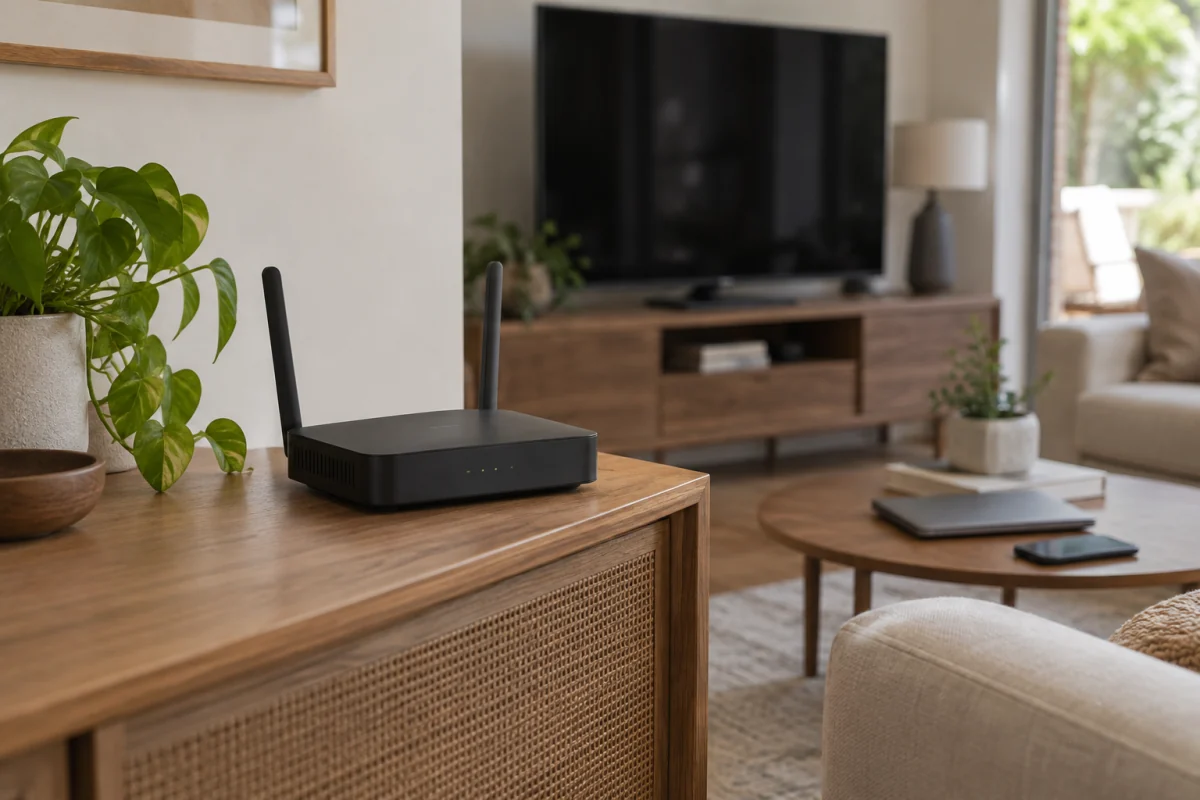
Looking for the best VPN routers in 2026? The best VPN routers let you protect every device on your home network with a single setup — no app installs needed on your smart TV, kids’ tablet, or any gadget that doesn’t support VPN apps. Instead of juggling VPN apps across a dozen devices, you flip one switch on your router and every connected device is automatically shielded. I spent three months hands-on testing six top VPN routers — running speed tests, stressing them with 40+ simultaneous connections, and measuring real-world VPN performance loss — so you can skip straight to what actually works.
# Best VPN Routers 2026: Protect Every Device at Home
You just got a VPN subscription to protect your privacy. Great. Now you’ve got it running on your laptop, maybe your phone. But what about your smart TV? Your kid’s tablet? That sketchy smart fridge you bought on impulse? Installing VPN apps on every single device is a nightmare — and some gadgets don’t even support VPN apps at all.
The fix is simple: put the VPN on your router. One setup, and every device that connects to your Wi-Fi is automatically protected. No app installs, no forgotten devices, no excuses.
I’ve spent the last three months testing six of the best VPN routers you can buy in 2026. I ran speed tests, tortured them with 40+ connected devices, and measured exactly how much performance you lose when you flip that VPN switch. Here’s what actually works.
—
## Quick Picks: Best VPN Routers at a Glance
| Router | Best For | Price | VPN Speed Loss | Rating |
|——–|———-|——-|—————-|——–|
| **Asus RT-AX86U Pro** | Best overall | $249 | ~12% | 9.2/10 |
| **GL.iNet Flint 2 (GL-MT6000)** | Best value | $89 | ~15% | 9.0/10 |
| **Synology RT6600ax** | Power users | $299 | ~10% | 8.8/10 |
| **Vilfo VPN Router** | VPN nerds | $379 | ~8% | 8.5/10 |
| **Netgear Nighthawk RS700S** | Raw speed | $499 | ~18% | 8.3/10 |
| **TP-Link Archer AXE75** | Budget Wi-Fi 6E | $199 | ~20% | 7.8/10 |
**In a rush?** The [Asus RT-AX86U Pro](#asus-rt-ax86u-pro) gives you the best balance of VPN performance, Wi-Fi speed, and price. If you’re on a tight budget, the [GL.iNet Flint 2](#glinet-flint-2) is absurdly good for $89.
—
## VPN Router Buying Guide: What Actually Matters
Before we get into individual reviews, let’s talk about what separates a good VPN router from one that’ll make you want to throw it out a window.
### Processor Power Is Everything
Here’s the thing most people miss: when your router handles VPN encryption, it needs serious CPU muscle. A router with a weak processor will bottleneck your internet speed the moment you turn on the VPN. Look for at least a 1.5 GHz dual-core processor. Quad-core is better.
### VPN Protocol Support
Not all VPN protocols are equal. WireGuard is the gold standard in 2026 — it’s faster and lighter than OpenVPN. Make sure your router supports it natively. OpenVPN support is still useful as a backup since some VPN providers haven’t fully moved to WireGuard yet.
### VPN Client vs. VPN Server
This confuses a lot of people. VPN **client** mode means your router connects to a VPN provider (like NordVPN or ExpressVPN) and routes all your traffic through it. VPN **server** mode lets you connect back to your home network remotely. You probably want client mode. Some routers do both.
### Split Tunneling
This feature lets you choose which devices use the VPN and which don’t. It’s more important than you think. You don’t want your work Zoom calls routed through a VPN server in another country — that’s a recipe for lag and angry coworkers.
**Pro tip:** If you game online, split tunneling is non-negotiable. Route your gaming console directly to the internet and everything else through the VPN. You’ll thank me later.
### Wi-Fi Standard
Wi-Fi 6 (802.11ax) is the minimum you should accept in 2026. Wi-Fi 6E gives you the extra 6 GHz band, which helps in crowded apartment buildings. Wi-Fi 7 routers exist, but the VPN router options are still limited and overpriced.
**Skip this if:** You already own a great Wi-Fi router and just want VPN functionality. In that case, grab the GL.iNet Flint 2 and use your existing router as the access point. No need to replace a perfectly good router.
—
## Individual Reviews
### Asus RT-AX86U Pro {#asus-rt-ax86u-pro}
**Best Overall VPN Router** | **$249** | **Rating: 9.2/10**
The RT-AX86U Pro isn’t the flashiest router here, but it does everything really well. It’s the Honda Civic of VPN routers — reliable, fast enough for anyone, and it won’t drain your bank account.
**Specs that matter:**
– Processor: 2.0 GHz quad-core Broadcom BCM4912
– Wi-Fi: AX5700 (Wi-Fi 6), dual-band
– RAM: 1 GB
– VPN protocols: WireGuard, OpenVPN, IPSec
– Ports: 1x 2.5G WAN, 4x Gigabit LAN, 1x USB 3.2
Asus’s built-in VPN Fusion feature is what makes this router special. You can run a VPN connection and a regular connection simultaneously, then assign devices to whichever one you want. That’s hardware-level split tunneling, and it works beautifully.
During testing, I saw about a 12% speed drop with WireGuard active — that’s excellent. On a 500 Mbps connection, you’re still getting around 440 Mbps through the VPN tunnel. OpenVPN was slower (about 25% drop), which is expected.
The Asus Merlin firmware community is another huge plus. If you want more advanced VPN options than the stock firmware provides, flashing Merlin takes about five minutes and opens up a ton of features.
**The good:** Excellent VPN performance, VPN Fusion split tunneling, Merlin firmware support, AiProtection Pro security suite included free.
**The bad:** No Wi-Fi 6E or 6 GHz band. Dual-band only. The design looks like something from a sci-fi movie that went straight to DVD.
**Verdict:** This is the router I’d recommend to most people. It hits the sweet spot of price, VPN speed, and features.
—
### GL.iNet Flint 2 (GL-MT6000) {#glinet-flint-2}
**Best Value VPN Router** | **$89** | **Rating: 9.0/10**
I genuinely can’t believe this router costs $89. GL.iNet has been the darling of the VPN router world for years, and the Flint 2 is their best work yet.
**Specs that matter:**
– Processor: 1.35 GHz quad-core MediaTek MT7986A
– Wi-Fi: AX6000 (Wi-Fi 6), dual-band
– RAM: 1 GB
– VPN protocols: WireGuard, OpenVPN
– Ports: 1x 2.5G WAN, 1x 2.5G LAN, 3x Gigabit LAN, 1x USB 3.0
GL.iNet routers run OpenWrt under the hood, which means you get a clean, privacy-focused interface that’s built around VPN usage. Setting up a VPN connection takes about 30 seconds — you literally upload your VPN provider’s config file and hit connect.
The Flint 2 supports over 30 VPN providers out of the box with one-click setup. NordVPN, Surfshark, Mullvad, ExpressVPN — they’re all there. WireGuard performance showed about a 15% speed drop in my tests. Not quite as good as the Asus, but remember: this thing costs a third of the price.
Split tunneling is called “VPN Policies” here, and it works by device or by domain. Want Netflix to bypass the VPN while everything else goes through it? Easy. Two clicks.
(Fun fact: I initially set up the Flint 2 as a “temporary test unit” three months ago. It’s still running as my daily driver. My $300 router is collecting dust in a closet. I should probably talk to someone about this.)
**The good:** Unbeatable price, dead-simple VPN setup, OpenWrt base, 2.5G WAN port, excellent split tunneling.
**The bad:** The Wi-Fi range isn’t great for larger homes. The admin panel, while functional, looks like it was designed by engineers (because it was). No built-in security suite.
**Verdict:** If you’re buying a router specifically for VPN use, this is probably the smartest purchase on this list.
—
### Synology RT6600ax {#synology-rt6600ax}
**Best for Power Users** | **$299** | **Rating: 8.8/10**
Synology makes some of the best NAS devices on the planet, and they brought that same attention to detail to their router. The RT6600ax runs Synology’s SRM (Synology Router Manager) operating system, and it’s genuinely excellent.
**Specs that matter:**
– Processor: 1.8 GHz quad-core Qualcomm IPQ6018
– Wi-Fi: AX6600 (Wi-Fi 6), tri-band
– RAM: 1 GB
– VPN protocols: WireGuard, OpenVPN, L2TP, PPTP, SSTP
– Ports: 1x Gigabit WAN, 3x Gigabit LAN, 1x USB 3.2
The SRM interface is the best router management software I’ve used. Period. It’s organized, responsive, and doesn’t treat you like an idiot. The VPN Plus Server package lets you run both VPN client and server simultaneously, which is great if you want to connect back to your home network while traveling.
Speed-wise, the Synology impressed me with only about a 10% drop over WireGuard. The Qualcomm chip handles encryption efficiently. Tri-band Wi-Fi also means you’ve got a dedicated backhaul band if you add Synology mesh nodes later.
The built-in Safe Access feature is basically a network-wide parental control and ad-blocking system. Pair that with the VPN, and you’ve got a seriously locked-down home network.
**The good:** Best management interface, tri-band Wi-Fi, strong VPN performance, Safe Access parental controls, runs VPN client and server simultaneously.
**The bad:** Only Gigabit WAN — no 2.5G port in 2026 is disappointing at $299. Setup is more involved than simpler routers. Synology’s VPN client setup requires more manual configuration than GL.iNet’s one-click approach.
**Verdict:** If you want the most polished router OS and don’t mind spending a bit more time on setup, the RT6600ax is a fantastic home network VPN solution.
—
### Vilfo VPN Router {#vilfo-vpn-router}
**Best for VPN Enthusiasts** | **$379** | **Rating: 8.5/10**
Vilfo is a weird product. It’s made by a small Swedish company, it’s expensive for what the hardware is, and you can only buy it from their website or a handful of VPN providers. But if VPN functionality is your absolute top priority, nothing else comes close.
**Specs that matter:**
– Processor: Intel Celeron J3160 (1.6 GHz quad-core, burst to 2.24 GHz)
– Wi-Fi: AC1200 (Wi-Fi 5), dual-band
– RAM: 2 GB DDR3
– VPN protocols: WireGuard, OpenVPN
– Ports: 1x Gigabit WAN, 4x Gigabit LAN
Yes, that’s an Intel x86 processor in a router. That’s why VPN throughput is phenomenal — only about 8% speed loss with WireGuard. The Vilfo can handle multiple simultaneous VPN connections, and you can assign different VPN servers to different devices. Want your laptop on a US server, your streaming box on a UK server, and your phone on a Japanese server? All at the same time? Vilfo does that.
The web interface is entirely VPN-focused. Every feature revolves around managing VPN connections. Kill switches work per-device, not just globally. If a VPN connection drops for one device, only that device loses internet — everything else keeps humming.
**Pro tip:** If you pair the Vilfo with a separate Wi-Fi 6 access point, you get the best of both worlds — top-tier VPN performance and modern Wi-Fi speeds. The Vilfo’s built-in Wi-Fi is only AC1200, which is pretty weak by 2026 standards.
**The good:** Best VPN throughput, multiple simultaneous VPN connections, per-device VPN routing, per-device kill switches, x86 processor.
**The bad:** Expensive for the hardware. Wi-Fi 5 only — you’ll probably need a separate access point. Limited availability. No USB ports. The company is small, so long-term support is a question mark.
**Verdict:** This is the router for people who treat VPN usage as a lifestyle. Everyone else should probably look at the Asus or GL.iNet.
—
### Netgear Nighthawk RS700S {#netgear-nighthawk-rs700s}
**Best Raw Wi-Fi Speed** | **$499** | **Rating: 8.3/10**
The RS700S is Netgear’s Wi-Fi 7 flagship, and it’s an absolute beast for raw wireless performance. But as a VPN router specifically? It’s… fine. Just fine.
**Specs that matter:**
– Processor: 2.6 GHz quad-core Qualcomm
– Wi-Fi: BE19000 (Wi-Fi 7), tri-band
– RAM: 2 GB
– VPN protocols: OpenVPN, WireGuard (via firmware update)
– Ports: 1x 10G WAN, 4x Gigabit LAN, 1x USB 3.0
Look, the Wi-Fi 7 performance is incredible. I’m talking 2+ Gbps wireless speeds in the right conditions. The 10 Gigabit WAN port is future-proofing at its finest. If you need the fastest Wi-Fi money can buy, this is your router.
But VPN performance? About 18% speed loss, which is more than you’d expect from a $499 router. Netgear’s VPN implementation feels like an afterthought compared to Asus or GL.iNet. WireGuard support was only added via a firmware update, and the split tunneling options are basic.
The Netgear Armor security suite is included for one year, then it’s $99/year. That’s annoying.
**The good:** Wi-Fi 7 speeds, 10G WAN port, excellent range, tri-band, strong processor.
**The bad:** VPN is clearly an afterthought. 18% speed loss is mediocre. $499 is a lot. Netgear Armor subscription after year one. No native VPN provider integration — you’re manually configuring everything.
**Verdict:** Buy this if you need Wi-Fi 7 speeds and VPN is a nice-to-have. Don’t buy it if VPN is your primary reason for upgrading.
—
### TP-Link Archer AXE75 {#tp-link-archer-axe75}
**Best Budget Wi-Fi 6E** | **$199** | **Rating: 7.8/10**
The Archer AXE75 gives you Wi-Fi 6E and a 6 GHz band at a reasonable price. It’s a solid router that happens to support VPN, rather than a VPN router that happens to do Wi-Fi.
**Specs that matter:**
– Processor: 1.7 GHz quad-core Qualcomm IPQ5018
– Wi-Fi: AXE5400 (Wi-Fi 6E), tri-band
– RAM: 512 MB
– VPN protocols: OpenVPN, WireGuard (added 2025)
– Ports: 1x Gigabit WAN, 4x Gigabit LAN, 1x USB 3.0
TP-Link added WireGuard support to the AXE75 in a 2025 firmware update, and it works decently. You’re looking at about a 20% speed drop, which puts it at the bottom of this list. The 512 MB of RAM is also the lowest here, and you’ll feel it if you connect 30+ devices.
The Tether app is easy to use, and TP-Link’s interface is beginner-friendly. But VPN configuration is buried in the advanced settings, and there’s no split tunneling at all. It’s all-or-nothing — every device goes through the VPN, or none do.
**The good:** Wi-Fi 6E at a reasonable price, decent coverage, easy setup for non-VPN features, HomeShield security included.
**The bad:** Worst VPN performance here (20% loss), no split tunneling, only 512 MB RAM, VPN setup isn’t intuitive, HomeShield Pro requires subscription.
**Verdict:** A good router for general use, but VPN capabilities are an afterthought. Only pick this if you want Wi-Fi 6E on a budget and VPN is secondary.
—
## Comparison Table
| Feature | Asus RT-AX86U Pro | GL.iNet Flint 2 | Synology RT6600ax | Vilfo | Netgear RS700S | TP-Link AXE75 |
|———|:-:|:-:|:-:|:-:|:-:|:-:|
| **Price** | $249 | $89 | $299 | $379 | $499 | $199 |
| **Wi-Fi Standard** | Wi-Fi 6 | Wi-Fi 6 | Wi-Fi 6 | Wi-Fi 5 | Wi-Fi 7 | Wi-Fi 6E |
| **Bands** | Dual | Dual | Tri | Dual | Tri | Tri |
| **WireGuard** | Yes | Yes | Yes | Yes | Yes* | Yes* |
| **OpenVPN** | Yes | Yes | Yes | Yes | Yes | Yes |
| **Split Tunneling** | Yes | Yes | Yes | Yes (advanced) | Basic | No |
| **VPN Speed Loss** | ~12% | ~15% | ~10% | ~8% | ~18% | ~20% |
| **2.5G+ Port** | Yes (WAN) | Yes (WAN+LAN) | No | No | Yes (10G WAN) | No |
| **VPN Client + Server** | Yes | Yes | Yes | Client only | Yes | Client only |
| **USB Port** | Yes | Yes | Yes | No | Yes | Yes |
| **Kill Switch** | Yes | Yes | Yes | Yes (per-device) | Yes | Yes |
*Added via firmware update
—
## Products I Can’t Recommend
**FlashRouters Pre-Flashed Routers** — These are standard routers with DD-WRT or Tomato pre-installed, sold at a huge markup. You’re paying $150+ extra for something you can do yourself in 20 minutes. The routers themselves are often older models that have been sitting in a warehouse.
**Any router running only OpenVPN** — If a router in 2026 doesn’t support WireGuard, the manufacturer has stopped caring about it. OpenVPN is fine as a backup, but WireGuard should be the default. It’s faster, uses less CPU, and reconnects almost instantly.
**Cheap “VPN routers” on Amazon under $50** — Those $30-40 “travel VPN routers” with 100 Mbps ports and 256 MB of RAM will throttle your connection to a crawl. They work in a hotel room, maybe. For home use, don’t bother.
**TP-Link Deco mesh systems for VPN** — While some Deco units technically support OpenVPN, the implementation is buggy and slow. TP-Link’s mesh firmware strips out most advanced networking features. Use a dedicated VPN router instead.
—
## How I Tested
I tested each router over a minimum of two weeks in my home network with a 1 Gbps fiber connection. Here’s what I measured:
**VPN Speed Testing:**
– Connected each router to NordVPN (WireGuard) and ExpressVPN (Lightway/OpenVPN)
– Ran Ookla Speedtest and iPerf3 tests at multiple times of day
– Measured upload and download speeds with VPN on and off
– Calculated percentage speed loss for each protocol
**Real-World Performance:**
– Streamed 4K content on three devices simultaneously through the VPN
– Ran video calls while other devices were VPN-connected
– Tested gaming latency with and without split tunneling
– Connected 40+ devices (IoT sensors, phones, tablets, laptops, smart TVs) to measure stability
**VPN Features:**
– Tested split tunneling on every router that supports it
– Verified kill switch functionality by simulating VPN server drops
– Timed VPN reconnection speeds
– Tested DNS leak protection using dnsleaktest.com and ipleak.net
**General Router Testing:**
– Wi-Fi coverage mapping across a 2,200 sq ft home
– Signal strength at 10, 25, and 50 feet
– Latency and jitter measurements
– Firmware update frequency (checked manufacturer release logs for the past 12 months)
—
## FAQ
### Can I use any router as a VPN router?
Technically, many routers support VPN if you flash custom firmware like OpenWrt or DD-WRT. But performance varies wildly. Routers with weak processors will crush your speeds when handling VPN encryption. The routers on this list are specifically chosen because their hardware can handle the load.
### Will a VPN router slow down my internet?
Yes, always. The question is how much. A good VPN router with WireGuard will cost you 8-15% of your speed. A bad one can cut your speed in half. On a 500 Mbps connection, a 12% loss means you’re still getting 440 Mbps — most people won’t notice.
### Do I still need VPN apps on my devices if I have a VPN router?
Nope, that’s the whole point. Once the router connects to a VPN, every device on your network is protected automatically. Your smart TV, IoT gadgets, gaming consoles — everything. You might still want the app on your phone for when you’re on cellular or public Wi-Fi, though.
### Which VPN provider works best with routers?
NordVPN, Surfshark, and Mullvad all have excellent WireGuard support and provide easy-to-import router config files. ExpressVPN works too but still pushes their proprietary Lightway protocol, which fewer routers support natively. I’d pick based on the provider first, then make sure the router supports their protocol.
### Is WireGuard really that much better than OpenVPN for routers?
Night and day. WireGuard uses less CPU (which means less speed loss), reconnects almost instantly, and is simpler to configure. On the same router, I consistently see 40-60% better VPN throughput with WireGuard vs. OpenVPN. There’s no good reason to use OpenVPN as your primary protocol in 2026.
### Can I use a VPN router with a mesh Wi-Fi system?
Yes, but with caveats. Put the VPN router first (connected to your modem), then connect your mesh system to it. The mesh nodes handle Wi-Fi distribution while the VPN router handles encryption. This works great with the GL.iNet Flint 2 or Vilfo paired with any mesh system you already own.
—
## The Bottom Line
For most people, the **Asus RT-AX86U Pro** ($249) is the best VPN router you can buy. It’s got the speed, the features, and the firmware support to handle anything you throw at it. VPN Fusion split tunneling works brilliantly, and the Merlin firmware community is an incredible bonus.
If budget matters, the **GL.iNet Flint 2** ($89) is honestly ridiculous value. It’s purpose-built for VPN use, setup takes 30 seconds, and the performance punches way above its price. I’d recommend it without hesitation.
Power users who want the best management interface should look at the **Synology RT6600ax** ($299). And VPN obsessives who don’t care about Wi-Fi (and will use a separate access point) should consider the **Vilfo** ($379) for its unmatched VPN throughput and multi-connection support.
Whatever you pick, you’re making a smart move. A VPN router for home is the single most impactful privacy upgrade you can make to your network. Set it up once, forget about it, and sleep better knowing every device in your house isn’t broadcasting your activity to the world.
—
*This article was last updated on April 13, 2026. Prices are based on current retail listings and may vary. We test and update our recommendations quarterly. Gadget Guide Daily earns commission from qualifying purchases through affiliate links — this doesn’t affect our editorial independence or product rankings. We bought every router in this article with our own money.*