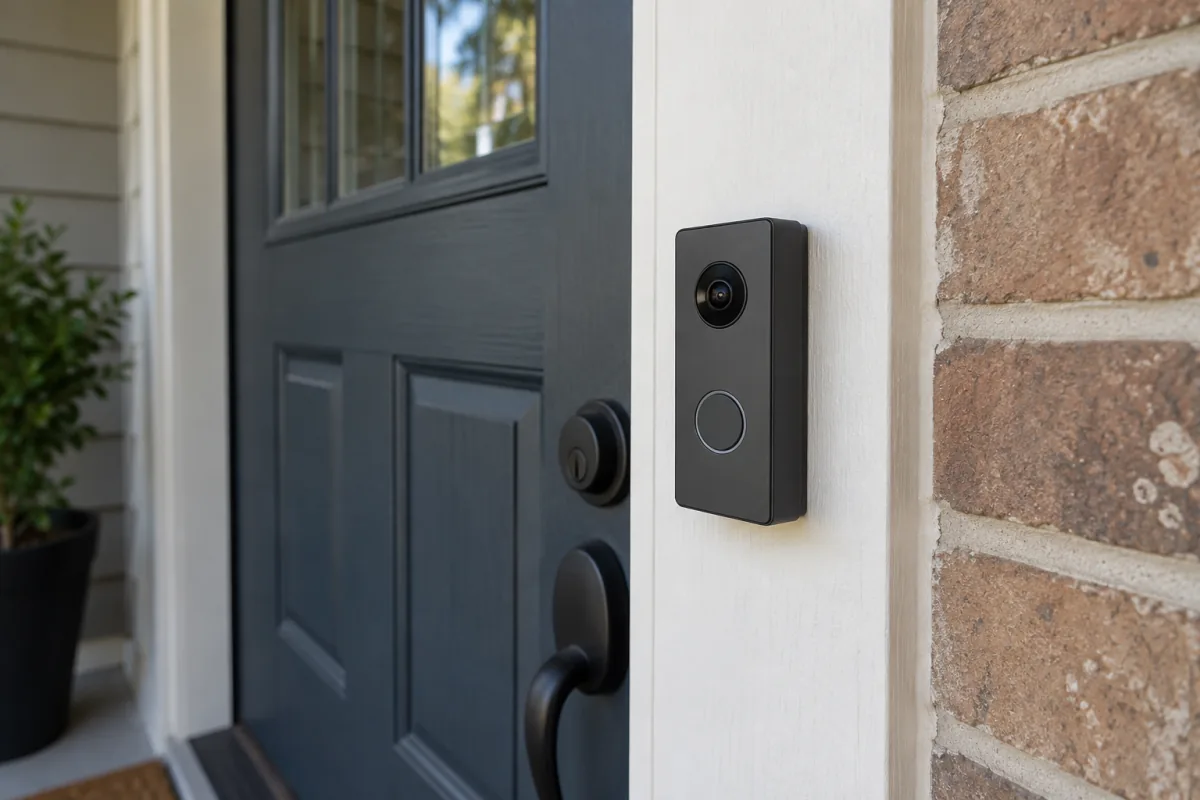
A video doorbell without a subscription needs one thing above all: somewhere to store recordings that isn’t a paid cloud plan. That means a microSD slot, a base station with storage, or an NVR you already own. Reolink and Eufy build their doorbells around local storage, Ring’s work without a plan but keep almost nothing, and Google Nest sits somewhere in between with a short event history. This guide explains what each approach gives up, the specs that matter on a porch, wired versus battery, and how to set one up so you never miss the parcel or the person who took it.
Key takeaways
- Local storage is the whole decision. A microSD card in the doorbell, a hub with storage, or an NVR means recordings are yours with no monthly fee.
- Without a plan, Ring shows live view and alerts but does not save video. It’s the most popular doorbell and the weakest choice for subscription-free use.
- Wired doorbells record continuously and never need charging; battery doorbells record on motion and need a charge every one to three months.
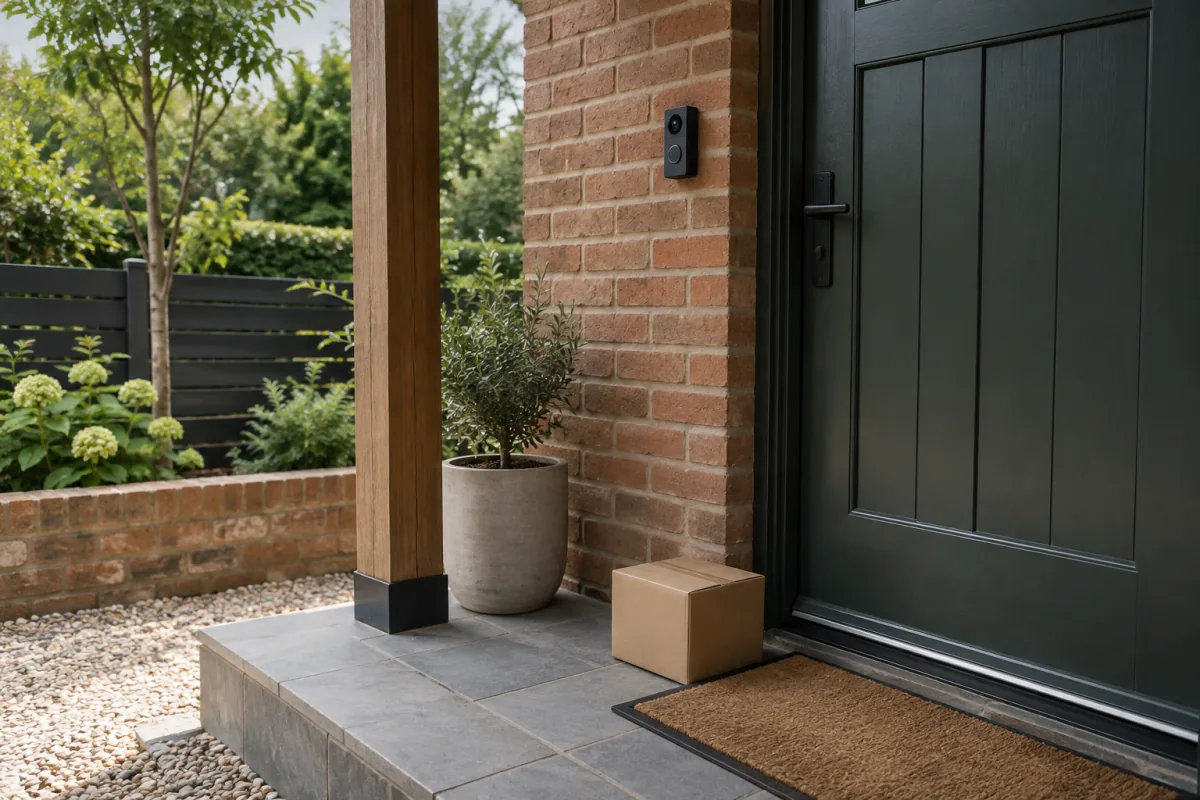
- Head-to-toe framing (a tall aspect ratio) shows parcels on the step. Wide 16:9 doorbells often cut them off.
- Subscription-free doorbells cost from a low three-figure sum for a basic wired model to a mid three-figure sum for a battery model with a hub, at the time of writing.
How the big brands handle no-subscription use
| Brand | Without a plan you get | Local storage option | Verdict for no-subscription |
|---|---|---|---|
| Reolink | Full recording to microSD or NVR, alerts, person and vehicle detection | microSD in the doorbell, or Reolink NVR | Strong. Built for it |
| Eufy | Full recording, person detection, package detection on newer models | Built-in storage or HomeBase hub | Strong. No cloud plan needed |
| Ring | Live view, two-way talk, motion alerts. No recording. | Only with a Ring Alarm Pro base station on a plan | Weak. It’s a doorbell intercom without a plan |
| Google Nest | Three hours of event clips, familiar face detection off | None | Limited. Three hours is short |
| Arlo | Live view and alerts; recording only with a plan or an Arlo hub with USB drive | Arlo SmartHub with USB storage | Workable with the hub, otherwise weak |
| Amcrest, TP-Link Tapo | Full recording to microSD or NVR | microSD or NVR | Good budget options |
Check the manufacturer’s spec page for the exact storage behaviour of the model you’re considering, because features differ across generations of the same brand. Reolink lists card and NVR compatibility per model on its product pages, and Eufy states hub requirements on each doorbell listing.
Wired vs battery
Wired
Connects to existing doorbell wiring, usually 16 to 24 V AC, or a plug-in adapter. Records continuously or on motion with no charging, wakes instantly when someone approaches, and usually supports higher resolution and faster alerts because it isn’t sleeping to save power. The downside is installation: you need existing wiring or a run to a transformer, and some homes need a new transformer to supply enough current. If you have a wired chime already, a wired doorbell is the better product.
Battery
Screws to any wall and needs no wiring. Records on motion only, with a half-second to two-second wake delay that can miss a fast courier. Battery lasts one to six months depending on traffic; a busy front door in a cold winter is the worst case. Many battery models also accept doorbell wiring for trickle charging, which is the best of both.
Specs that matter on a porch
Aspect ratio and field of view
A tall 4:3 or 1:1 frame shows a visitor’s face and the parcel at their feet. A 16:9 frame favours width and often cuts off the step. Look for something like a 150 by 150 degree view or “head-to-toe” in the spec sheet.
Resolution
2K (1440p or “2K+”) is enough to read a courier’s badge at the door. 4K on a doorbell mostly adds storage use. More important is HDR, because the doorbell faces the street with the sky behind the visitor, and without HDR faces come out as silhouettes.
Detection
On-device person, package and vehicle detection keeps alerts useful and, on battery models, saves power. Pre-roll (a few seconds of video before the trigger) helps catch who walked up rather than who’s walking away.
Chime
Wired models ring your existing chime. Battery models usually come with a plug-in chime or use a hub as one. If the doorbell relies on your phone alone, you’ll miss deliveries when the phone is upstairs.
Storage capacity
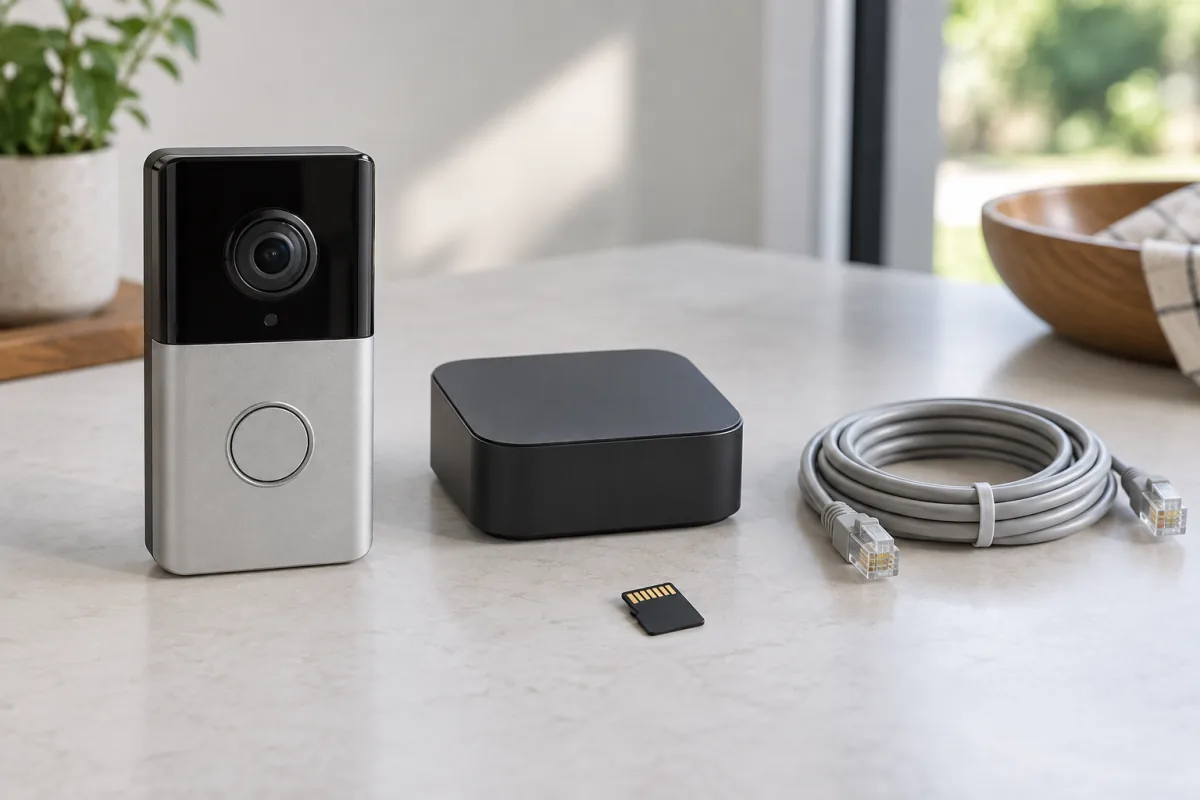
A 64 GB card holds roughly a week of motion clips at 2K, longer with smart detection trimming false triggers. 128 GB is comfortable. Continuous recording on a wired model uses far more; plan for 256 GB or an NVR.
Local network access
Doorbells that support RTSP or ONVIF can feed a home NVR or software like Frigate, which means recordings stay in the house entirely. Reolink and Amcrest support this on most models; Eufy, Ring and Nest generally don’t.
Setup that avoids the common problems
- Check Wi-Fi at the door before buying. 2.4 GHz should show at least two bars on your phone standing where the doorbell will go. Front doors are often at the far end of the house from the router; the mesh Wi-Fi guide covers fixing that.
- For wired models, turn off the breaker, check transformer voltage with the doorbell’s app or a multimeter, and install the supplied chime connector if required. A transformer under 16 V AC will cause reboots.
- Insert the microSD card before mounting. Use a card rated for high endurance or continuous video, which manufacturers like SanDisk and Samsung label specifically.
- Mount at 1.2 to 1.4 metres. Higher and you get the top of a cap. Use the angled wedge if the door is at the side of the approach.
- In the app, set detection zones that exclude the pavement and road, set person and package detection on, and set the motion cooldown to 30 seconds.
- Turn on two-factor authentication for the account and set a unique password. Doorbells are internet-facing devices and reused passwords are how they get accessed.
- Test at night. Check that the infrared or spotlight doesn’t reflect off a nearby wall and wash out faces.
Privacy and legal points
A doorbell that films the street films your neighbours. In many places that’s legal for security purposes, but some jurisdictions expect you to limit recording to your own property and to tell visitors they’re on camera. In the UK, for example, the Information Commissioner’s Office publishes guidance on domestic CCTV that applies to doorbells capturing beyond your boundary. Using detection zones and privacy masks to exclude the neighbour’s door is a good habit everywhere. Audio recording is more restricted than video in some places; check before leaving it on.
Common mistakes
- Buying a Ring for its brand, skipping the plan, and discovering it doesn’t record.
- Installing a battery doorbell at a busy door and charging it every three weeks.
- Ignoring aspect ratio and never seeing the parcel that went missing.
- Using a standard microSD card that dies in six months of constant writes.
- Skipping HDR and getting silhouettes every sunny afternoon.
Who this is not for
If you already pay for a Ring or Nest plan for other cameras, adding the matching doorbell is cheaper and simpler than mixing brands, and this guide’s advice about local storage matters less to you. If you want professional monitoring or insurance-recognised alarm integration, a doorbell is a component of a bigger system and you should choose the system first. And if your front door has no Wi-Fi and no wiring, a battery doorbell will frustrate you; look at the no-subscription camera guide for hub-based cameras that reach further. A subscription-free doorbell suits people who want recordings they own, a one-time cost, and no account that stops working when a card expires. For the door itself, the smart lock guide covers the natural companion.
Frequently asked questions
Can I use a video doorbell without Wi-Fi?
A few record to a card and work as a plain doorbell without any network, but you get no alerts or live view. Models with a hub connect to the hub, which still needs the router.
Is Ring worth it without a subscription?
Not for recording. Without a plan you get live view, talk and alerts only. If you won’t pay monthly, choose a brand built for local storage.
How much microSD storage do I need?
64 GB for a week or two of motion clips at 2K, 128 GB for comfort, 256 GB or an NVR for continuous recording on a wired model.
Do subscription-free doorbells work with Alexa and Google Home?
Most support live view on Echo Show and Nest Hub displays and announcements when pressed. Two-way talk through the smart display depends on the brand.
Are battery doorbells as good as wired ones?
They’re more flexible to install but slower to wake and need charging. If wiring exists, wired is the better product.
Can someone hack my doorbell?
The realistic risk is a reused password on the account. Use a unique password, enable two-factor authentication and keep the firmware updated. Local-only setups on an NVR expose the least.