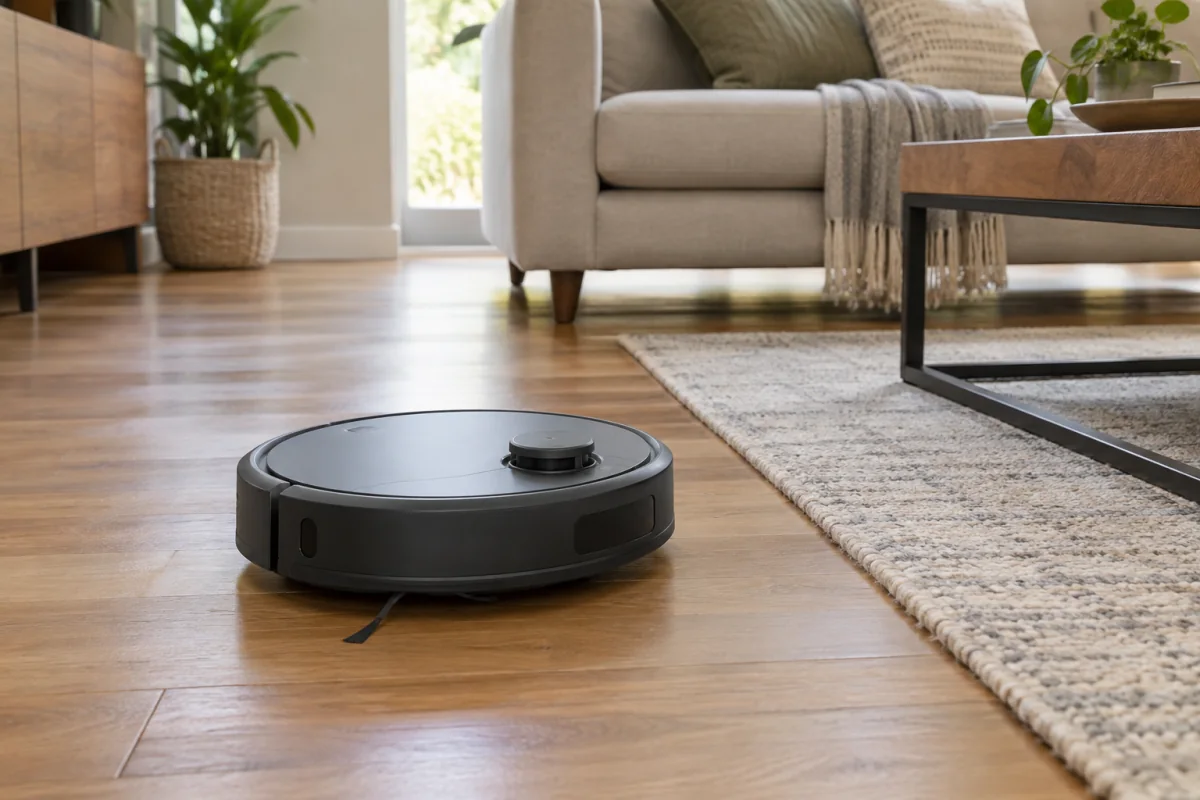
A robot vacuum is worth buying if your floors are mostly clear, you run it daily, and you pick a model whose navigation and suction match your home. The three decisions that matter are the navigation type (lidar or camera mapping versus random bounce), whether you need a self-emptying dock, and whether mopping is a real requirement or a box-ticking feature. Pet hair, long carpet and cluttered floors each push you toward different specs. This guide explains what each feature actually changes, how to read the spec sheet, what the main brands are known for, and how to set the robot up so it does not get stuck under the sofa every night.
Key takeaways
- Lidar navigation with a saved map is the feature that separates a useful robot from a frustrating one. It cleans in rows, remembers rooms and lets you send it to the kitchen only.
- Suction figures in pascals are only comparable within a brand. Brush design and carpet detection matter as much for pet hair.
- A self-emptying dock turns a weekly chore into a monthly one and is the upgrade most owners say they would not give up.
- Mopping on a combined unit handles light dust and dried spills. It will not scrub. Dedicated mop robots with rotating pads do more, at a higher price.
- Expect to pay from a low three-figure sum for a basic mapping robot to over a thousand for a flagship with a washing dock, at the time of writing.
Navigation: the spec that decides everything
How the robot sees the room determines whether it cleans the whole floor or bounces around for an hour and misses half of it.
| Type | How it works | Strengths | Weaknesses |
|---|---|---|---|
| Lidar (laser) | A spinning laser on top measures distances and builds a map | Accurate maps, works in the dark, room-by-room cleaning, no-go zones | Raised turret limits how low it can go under furniture |
| Camera (vSLAM) | A camera tracks ceiling and wall features | Lower profile, some models identify objects such as cables and socks | Struggles in dim rooms, privacy questions about the camera |
| Gyroscope | Tracks turns and distance without seeing the room | Cheap, cleans in rough rows | No persistent map, gets lost in large or complex layouts |
| Random bounce | Drives until it hits something, then turns | Very cheap | Misses areas, takes far longer, no app control worth having |
For anything larger than a studio flat, lidar or camera mapping is the floor. Many recent models combine lidar for mapping with a front camera or structured light for spotting obstacles, which is the best of both.
The rest of the spec sheet, decoded
Suction and brushes
Makers quote suction in pascals (Pa), and the numbers have climbed from 2,000 to over 10,000 in a few years. There is no industry standard test, so a 6,000 Pa robot from one brand is not necessarily stronger than a 4,000 Pa robot from another. What you can compare:
- Brush roll type. Rubber rollers shed pet hair; bristle brushes wrap it. Two counter-rotating rollers pick up more than one.
- Carpet boost. The robot detects carpet and raises suction automatically. Essential if you have both hard floors and rugs.
- Edge cleaning. A side brush that extends, or a D-shaped body, reaches corners a round robot leaves dusty.
Obstacle avoidance
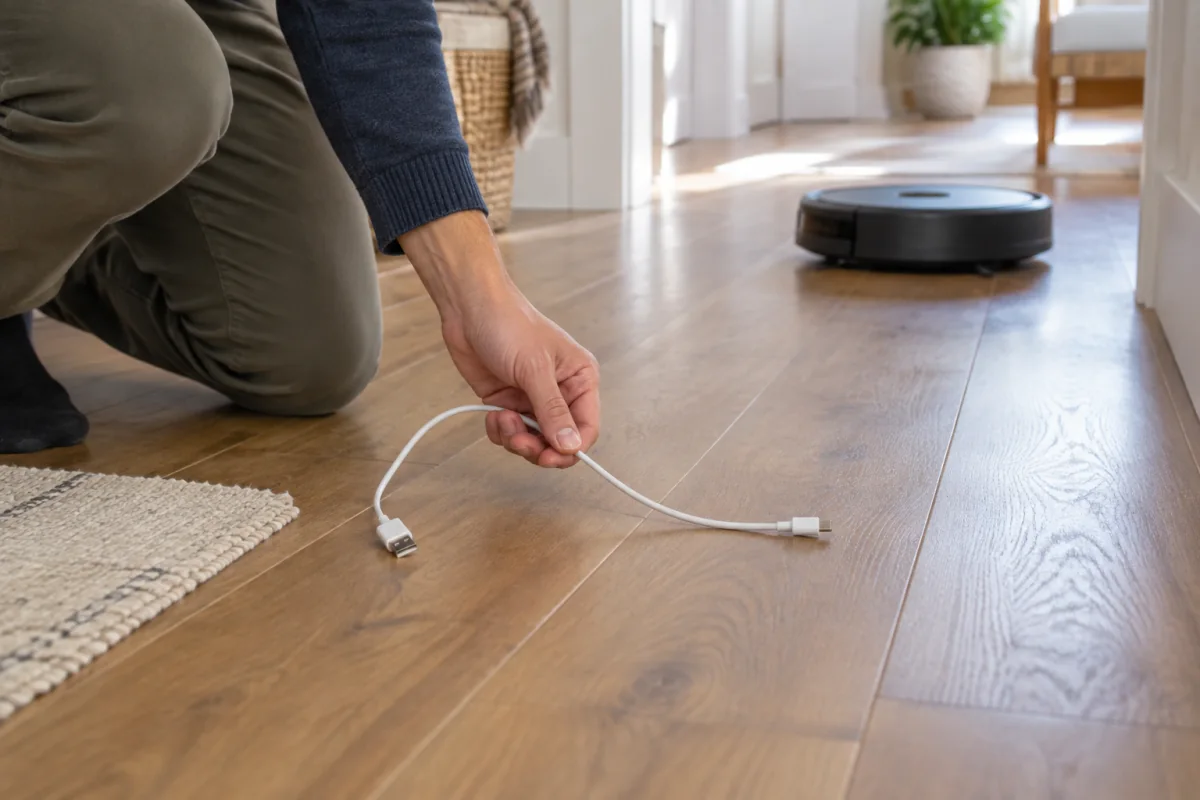
Basic robots stop when they bump something. Better ones see a charging cable or a pet accident before reaching it. If you have pets or children, this feature saves you from the worst robot vacuum outcome: a smeared mess across the whole floor. Check the maker’s list of recognised objects.
Self-emptying dock
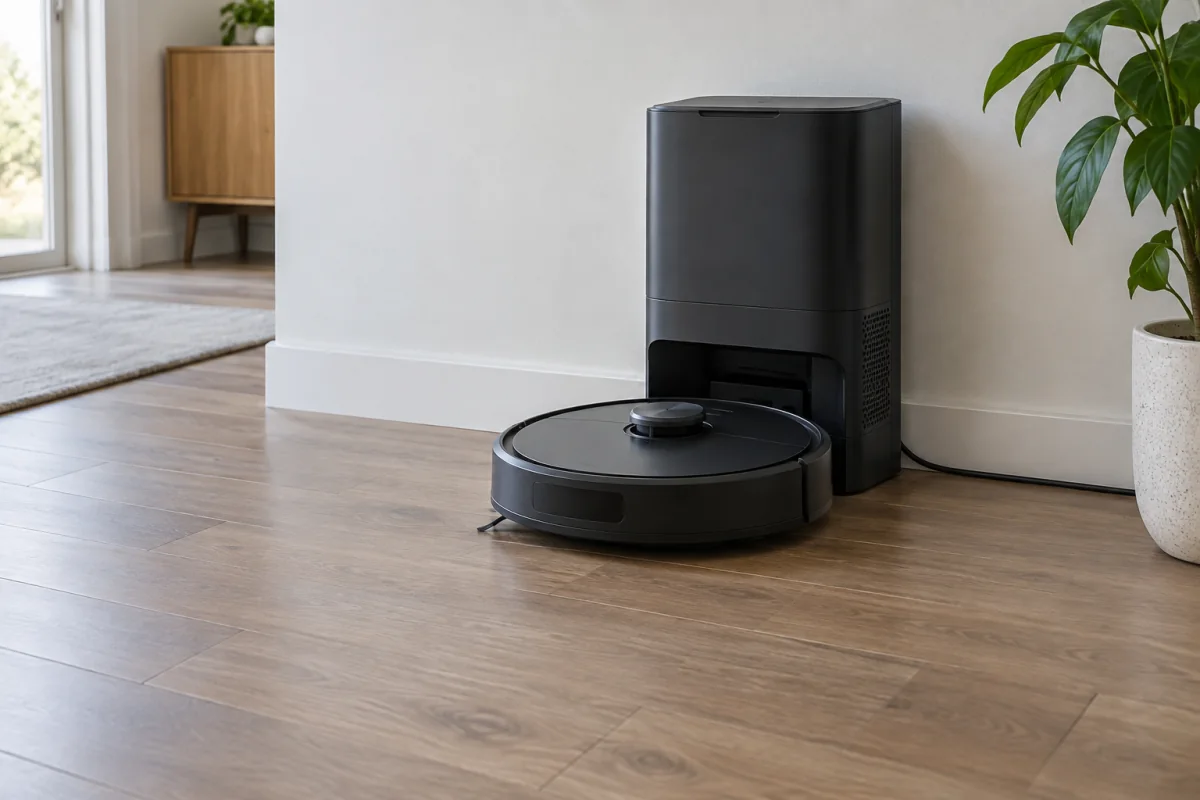
The robot returns to a base that sucks its bin into a sealed bag holding weeks of debris. Adds size and noise for a few seconds per run. Bags are a recurring cost; a few brands offer bagless docks.
Mopping
Three tiers: a damp pad dragged behind (light dusting only), a vibrating pad (better on dried marks), and rotating pads with pressure (closest to a real mop). Higher tiers add docks that wash and dry the pads and refill water. Check whether the robot lifts its mop on carpet; if it does not, you will need to remove the pad or set no-mop zones.
Battery and run time
Ninety minutes or more covers most homes. Mapping robots recharge and resume where they stopped, so run time matters less than it used to.
Height
Measure the gap under your sofa, bed and kitchen kickboards. Lidar robots are often 9.5 to 10 cm tall; camera models can be under 8 cm.
What the main brands are known for
Descriptions are based on each maker’s published product information rather than testing. Model names change each year, so use these as a guide to which catalogue to open first.
- iRobot Roomba: the original brand, camera navigation on most models, dual rubber rollers that handle pet hair well, and a mature app. Newer models added lidar. iRobot publishes specs per model on its Roomba product pages.
- Roborock: lidar mapping across the range, strong obstacle avoidance on higher models, and all-in-one docks that empty, wash, dry and refill. Wide price spread. Dock and mop specs per model are on Roborock’s product pages.
- Ecovacs Deebot: similar approach to Roborock with its own all-in-one docks and an emphasis on mopping. Some models include a voice assistant that works without a cloud connection.
- Dreame: rotating mop pads, high suction figures, competitive pricing on flagship-style features.
- Eufy (Anker): value-focused, quieter models, good entry-level lidar robots.
- Shark: self-emptying docks at mid-range prices, brush rolls designed for hair.
Matching a home to a spec
| Your home | Prioritise |
|---|---|
| Pets that shed | Rubber rollers, self-emptying dock, obstacle avoidance |
| Mostly carpet | Carpet boost, strong brush roll, skip mopping |
| Mostly hard floor | Rotating mop pads, washing dock if the budget allows |
| Large multi-room house | Lidar, multi-map support, long run time or auto-resume |
| Small flat, tight budget | Entry-level lidar, no dock, empty the bin yourself |
| Low furniture | Camera navigation or a low-profile lidar model; measure first |
Setup that avoids nightly rescues
- Place the dock against a wall with about half a metre clear on each side and a metre in front, on hard floor if possible. The robot needs a straight run in.
- Run a mapping-only pass first, with the doors open and the floor picked up. Do not vacuum on this run; let it learn the layout.
- Name rooms and draw no-go zones in the app: around pet bowls, under the desk where cables live, and any rug with tassels.
- Set a daily schedule for a time when the house is empty. Daily short runs beat weekly deep runs; the robot never has to cope with a week of build-up.
- Add a virtual wall or a threshold strip where the robot gets stuck. Most apps let you mark a spot as a problem area.
- Connect it to the 2.4 GHz band. Many robots cannot see 5 GHz networks. If your mesh system merges bands, temporarily split them or use the app’s pairing workaround. Our mesh Wi-Fi guide explains why devices like this struggle at the edge of coverage.
Maintenance that keeps it working
- Cut hair off the brush roll weekly, or fortnightly with rubber rollers.
- Wash the filter monthly if washable; replace every two to three months otherwise.
- Wipe the cliff sensors and the lidar window with a dry cloth. Dusty sensors are the top cause of a robot that suddenly refuses to move.
- Replace side brushes when the bristles splay.
- Empty the dock bag when the app says so, not when it is bursting.
Common mistakes
- Buying on pascals. Compare brush design and reviews of pet-hair pickup instead.
- Expecting the mop to replace mopping. A combined unit maintains a clean floor; it does not clean a dirty one.
- Skipping the map run. The robot cleans badly until the map exists.
- Leaving cables and socks out. Even good obstacle avoidance misses some. A tidy floor is the cheapest upgrade.
- Ignoring privacy settings. Camera robots upload images for object recognition on some brands. Check the maker’s privacy page and turn off what you do not need, and keep the robot on a guest network like other smart-home devices; the same logic applies to the cameras in our home security camera guide.
Who this is not for
If your floors are covered in toys, cables or clothes most days, the robot will spend its life stuck and you will resent it. If you have deep-pile carpet throughout, most robots struggle and a stick vacuum will do more. If your home has several floors, budget for one robot per floor or accept carrying it, since robots cannot climb stairs. And if you want spotless grout and scrubbed tiles, no robot mop currently replaces a bucket and elbow grease. For an overall picture of how these fit alongside other automated appliances, the smart thermostat guide covers a device with a much clearer payback.
Frequently asked questions
How long do robot vacuums last?
Four to six years is typical, with a battery replacement around year three. Brushes, filters and side brushes are consumables.
Can a robot vacuum handle pet hair?
Yes, if it has rubber rollers and a self-emptying dock. Bristle brushes on cheap models wrap hair and need constant cutting.
Do robot vacuums work on dark floors?
Older models sometimes mistook black rugs for cliffs and refused to cross them. Most current models handle dark floors, but check reviews for your specific rug.
Is a self-emptying dock worth it?
For pet owners or anyone running the robot daily, yes. For a small flat with occasional runs, emptying a bin by hand is a minor task.
How loud are they?
Around 60 to 70 dB on normal mode, similar to a conversation. Docks emptying are briefly much louder, which is why scheduling runs while you are out matters.