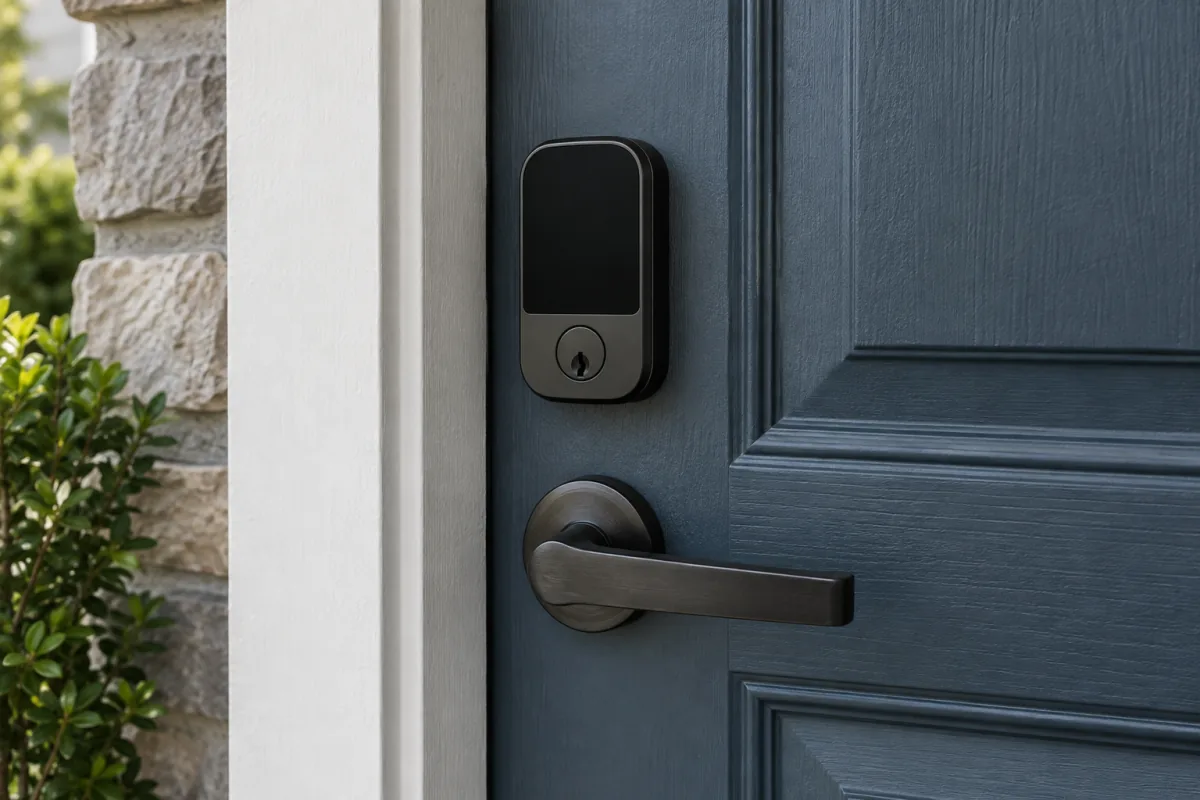
A well-made smart lock is at least as secure as the ordinary deadbolt it replaces, and often more so, because it removes the two weakest points of a normal lock: keys that get copied or lost, and doors left unlocked by mistake. The security risk people worry about, someone hacking the lock over the internet, is small with reputable brands and a properly secured account. The real trade-offs are batteries, fit with your existing door, and which ecosystem the lock works with. This guide explains how smart locks are actually attacked, which features and certifications matter, the three main types, and how to install one so it does not strand you on the doorstep.
Key takeaways
- Physical attacks on the cylinder or door are still the main risk, as with any lock. Look for a BHMA or ANSI grade and a bump-resistant or keyless cylinder.
- Remote attacks are rare in practice; the realistic digital risk is a weak account password. Protect the lock’s account with two-factor authentication.
- Choose the connection type for your needs: Bluetooth only for simplicity, Wi-Fi for remote access, Thread or Zigbee for a hub-based smart home, Matter for cross-platform support.
- Retrofit locks keep your existing keys and fit in minutes. Full replacements add keypads and fingerprint readers but need a compatible door prep.
- Prices at the time of writing run from a low three-figure sum for a basic Bluetooth retrofit to two or three times that for a Wi-Fi or Matter model with a keypad.
Are smart locks safe? How they actually get attacked
Break the question into the ways a lock can fail.
| Attack | Applies to | Realistic risk | Mitigation |
|---|---|---|---|
| Kick-in, prying, drilling | All locks | Highest. Most burglaries are forced entry. | Solid strike plate with long screws, grade-rated deadbolt |
| Lock picking or bumping | Locks with a keyway | Low for opportunist burglars | Keyless models remove the keyway entirely |
| Stolen or copied key | Traditional locks | Common and hard to detect | Smart locks with revocable codes fix this |
| Guessed keypad code | Keypad locks | Low with lockout after failed tries | Six-digit codes, lockout, wipe the keypad to hide wear |
| Weak account password | Wi-Fi locks | The most realistic digital risk | Unique password plus 2FA on the lock’s account |
| Bluetooth replay or relay | Bluetooth locks | Demonstrated in labs on some older models; rare in practice | Buy current models from established brands; keep firmware updated |
| Cloud outage | Wi-Fi locks | Inconvenience, not intrusion | Locks keep working locally; keep a keypad or key backup |
The pattern is clear: a smart lock adds a small digital attack surface and removes a large physical one (keys). For the account side, the same rules apply as for any online account; the two-factor authentication guide covers the setup.
Certifications and specs that matter
Physical grade
In North America, look for a BHMA (Builders Hardware Manufacturers Association) residential grade of A, B or C for security, durability and finish, or the older ANSI/BHMA Grade 1 to 3 rating. BHMA explains its residential grading on its certified products page. In Europe, look for the relevant EN standard on the cylinder and, in the UK, a British Standard kitemark and TS007 three-star cylinder if the lock keeps a keyway.
Connection type
- Bluetooth only: works within a few metres. No remote access without a separate bridge. Longest battery life.
- Wi-Fi built in: remote access with no hub. Shortest battery life, often two to three months.
- Zigbee or Z-Wave: needs a hub, low power, integrates with existing home automation.
- Thread with Matter: low power, mesh network, works across Apple Home, Google Home, Amazon Alexa and SmartThings through a Thread border router. Look for “Matter over Thread” on the box. The Connectivity Standards Alliance lists certified locks on its product database.
Entry methods
Phone app, keypad, fingerprint, NFC card or home key on a phone, voice through an assistant, and a physical key. More methods mean more ways to get in when the phone is dead. A keypad is the most useful backup for families and guests.
Auto-lock and door sensing
Auto-lock after a set time is the feature that fixes the “did I lock the door?” problem. Pair it with a door sensor so the lock does not throw the bolt while the door is open.
Battery
AA batteries are easiest to replace; rechargeable packs are tidier but leave you stuck if you forget to charge. Check for a low-battery warning in the app and an external emergency power contact (usually a 9 V terminal or USB-C) on the outside.
The three types of smart lock
Retrofit (interior side only)
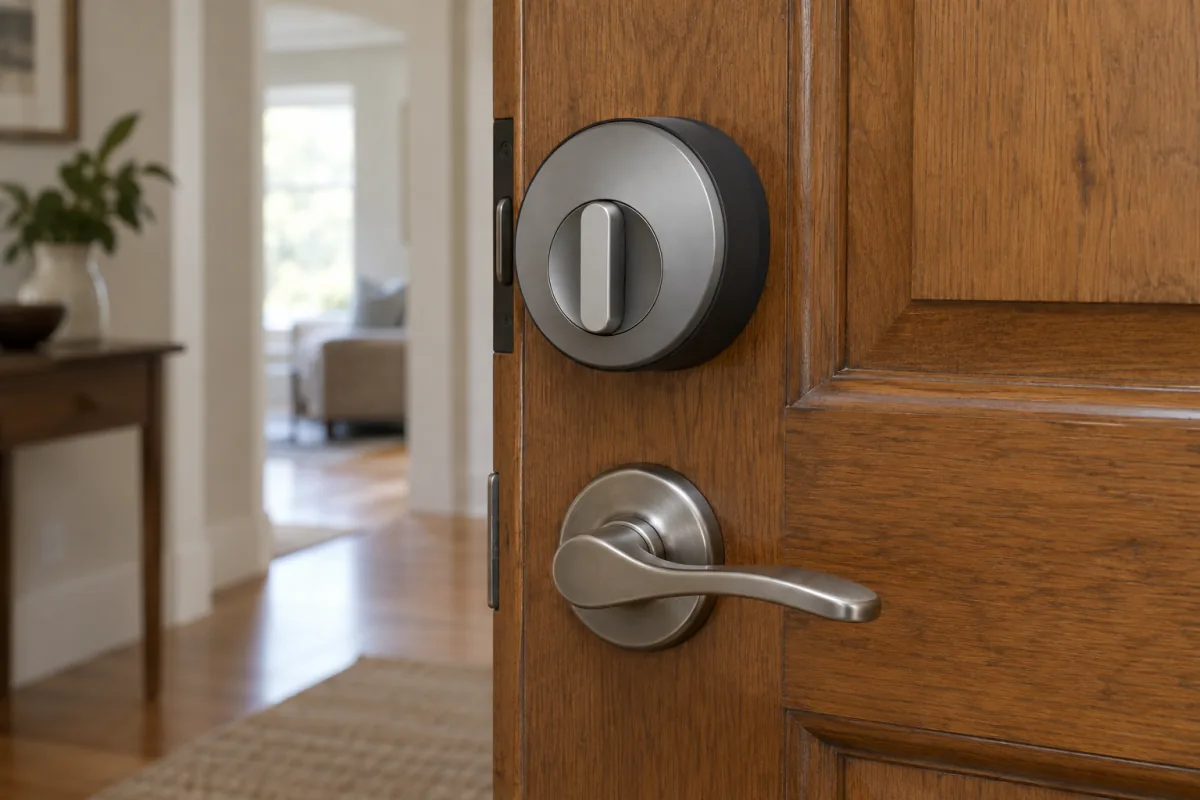
Replaces the thumb-turn inside and leaves the outside of the door unchanged. Your existing keys keep working. Installation takes ten to twenty minutes with a screwdriver. Ideal for renters and for doors with a high-security cylinder you want to keep. August and SwitchBot are examples of this design.
Full deadbolt replacement
Replaces the whole deadbolt with a new cylinder and an outside keypad or fingerprint reader. Requires a standard door prep (in North America, a 54 mm cross bore and 25 mm edge bore). Gives the most entry options. Schlage, Yale, Kwikset, Eufy and Aqara offer models in this style. Schlage lists its lock grades and specs per model on its smart lock product pages.
Lever or multipoint lock for European doors
Doors with a euro cylinder and multipoint mechanism need a lock designed for them, usually one that replaces the cylinder or motorises the inside handle. Nuki and Yale Linus are common examples. Check your door type before buying anything sold for North American deadbolts.
Matching the lock to your situation
| Situation | Look for |
|---|---|
| Renting | Retrofit, no drilling, keeps landlord’s keys |
| Airbnb or frequent guests | Keypad with scheduled codes, Wi-Fi for remote code changes |
| Family with kids | Keypad plus auto-lock, fingerprint if budget allows |
| Existing Apple Home, Google Home or Alexa setup | Matter over Thread, or the native integration for that platform |
| High-security cylinder already fitted | Retrofit that keeps the cylinder |
| Detached house, low maintenance | AA-powered Thread or Zigbee model with long battery life |
Installation and setup
- Check door fit first. Measure the backset, bore sizes and door thickness against the maker’s spec. Check the door closes and the deadbolt throws freely by hand; a lock that binds by hand will strain the motor.
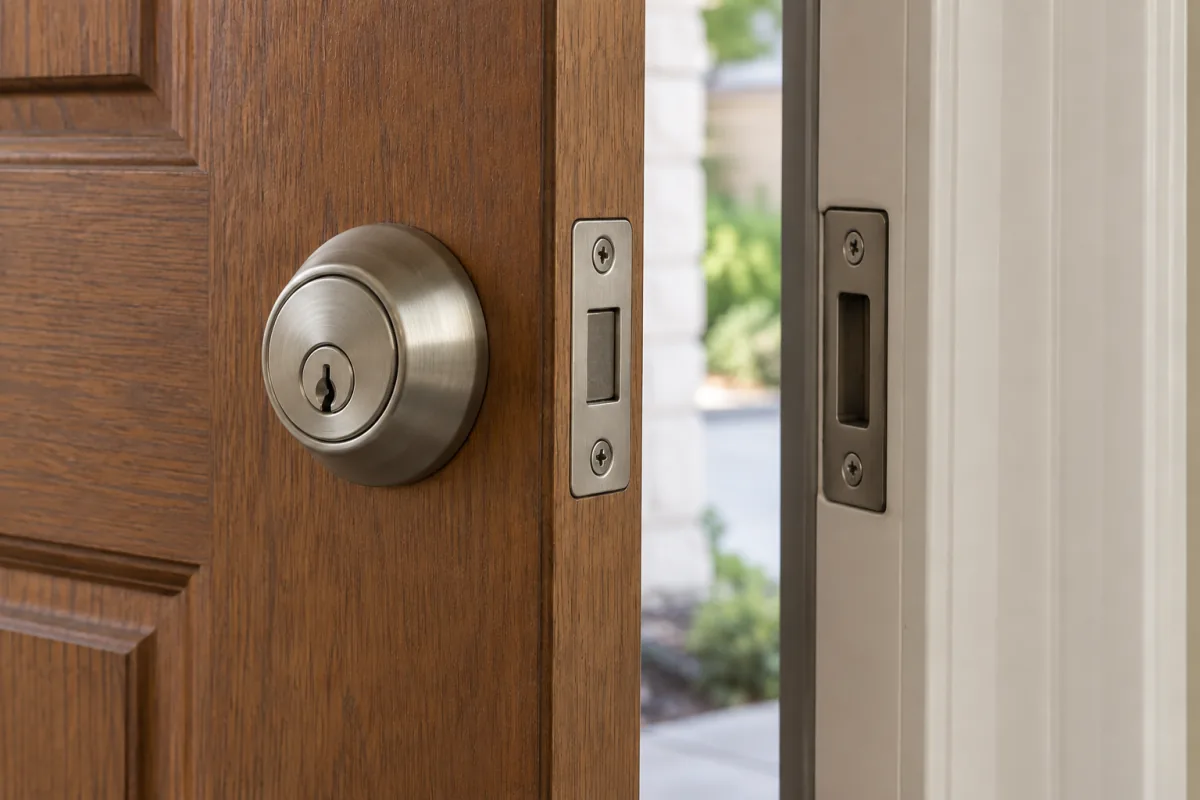
- Fix the strike plate. Replace the short screws with 75 mm screws into the frame stud. This does more for security than the lock itself.
- Install and calibrate. Most apps run a calibration that learns the locked and unlocked positions. Do it with the door open.
- Set up entry methods. Add family codes or fingerprints, and one guest code you can revoke. Delete any default or demo code.
- Turn on auto-lock with a delay that suits your habits, and pair the door sensor if included.
- Secure the account. Unique password, two-factor on, and notifications for every door opening.
- Update firmware and set a reminder to check the app for updates every few months.
- Test the backups. Try the physical key, the keypad, and the emergency power contact before you need them.
Common mistakes
- Skipping the strike plate. A smart lock in a weak frame is still a weak door.
- Using a birthday as the code. Use six random digits and change guest codes after each visit.
- No offline backup. Wi-Fi goes down; phones die. Keep a keypad or key.
- Ignoring low-battery warnings. Most lockouts are flat batteries, not hacks.
- Buying a North American deadbolt for a European multipoint door. It will not fit.
Who this is not for
If your door is warped, sticks, or has a worn deadbolt, fix the door first; motors do not cope with resistance. If you never lose keys and nobody else needs access, a smart lock adds cost and batteries for little gain. If you are worried mainly about forced entry, spend on a reinforced frame and, if you want to see what is happening, one of the options in our video doorbells without subscription guide. And if you dislike cloud accounts, choose a Bluetooth or Thread model that works locally, and see our home security cameras guide for the same approach to cameras.
Frequently asked questions
Can a smart lock be hacked?
In principle, like any connected device. In practice, published attacks target old or obscure models, and the realistic route is a weak account password. Current locks from established brands with two-factor on the account are not a soft target.
What happens when the battery dies?
The lock stays in its current state. You get in with a physical key, a keypad powered by the emergency contact, or by holding a 9 V battery or USB-C power to the outside terminal.
What happens if the Wi-Fi goes down?
Codes, fingerprints and Bluetooth still work locally. You lose remote control and notifications until the connection returns.
Are smart locks approved by insurers?
Many insurers accept them if the lock meets the same standard they require for a mechanical lock. Check your policy wording and keep the certification in mind when choosing.
Do smart locks work with existing keys?
Retrofit models keep your existing cylinder and keys. Full replacements come with new keys or none at all.